

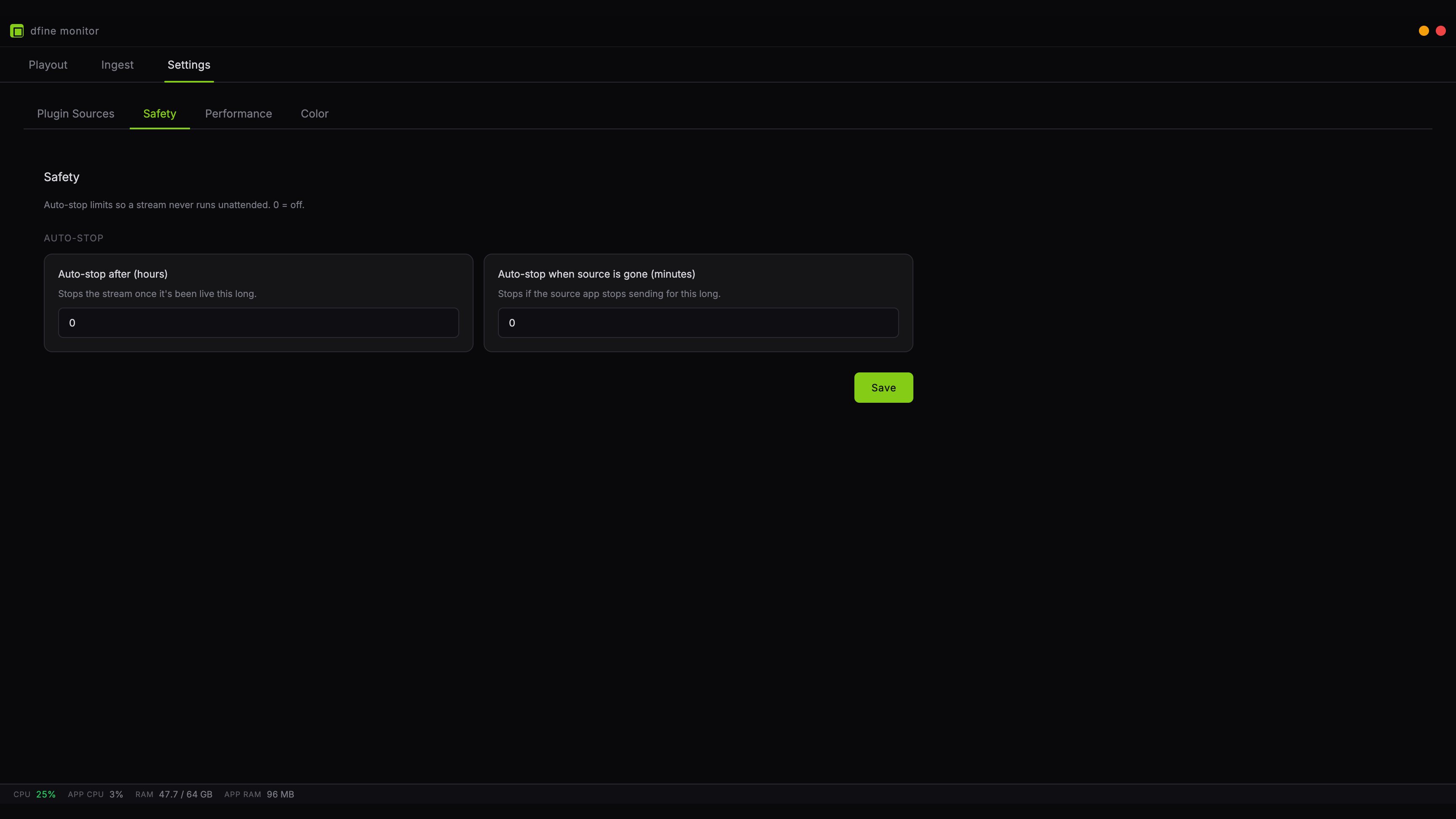
Auto-stop after hours
Ends the stream once it has been live for the number of hours you set. This catches the session you started in the morning and forgot after the review call ended. Pick a value slightly above your longest realistic session. Set it too tight and it will cut you off mid-sentence.Auto-stop when the source is gone
Ends the stream when your editing application stops sending for the number of minutes you set. This is the one that catches a crashed Premiere, a closed laptop lid, or a quit Resolve.A paused timeline does not count as gone. As long as the plugin stays connected, the stream holds the last picture and this limit does not run. Only a real disconnect starts the clock, so you can pause for a coffee without losing the session.