

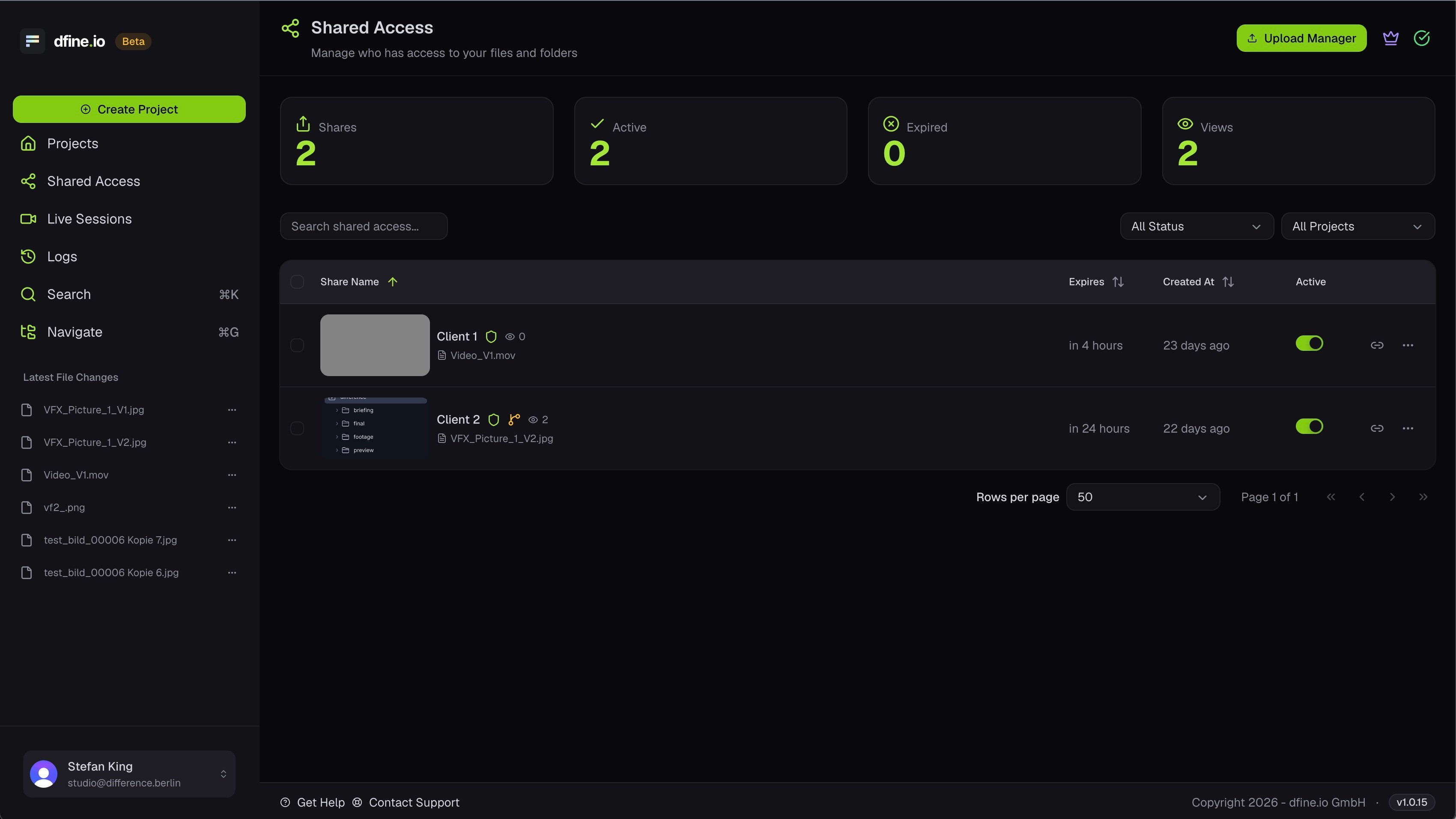
Create a share link
When you share a file or folder, you give the link a name, an optional description, and choose how long it stays valid. You can also add a password and set what recipients are allowed to do.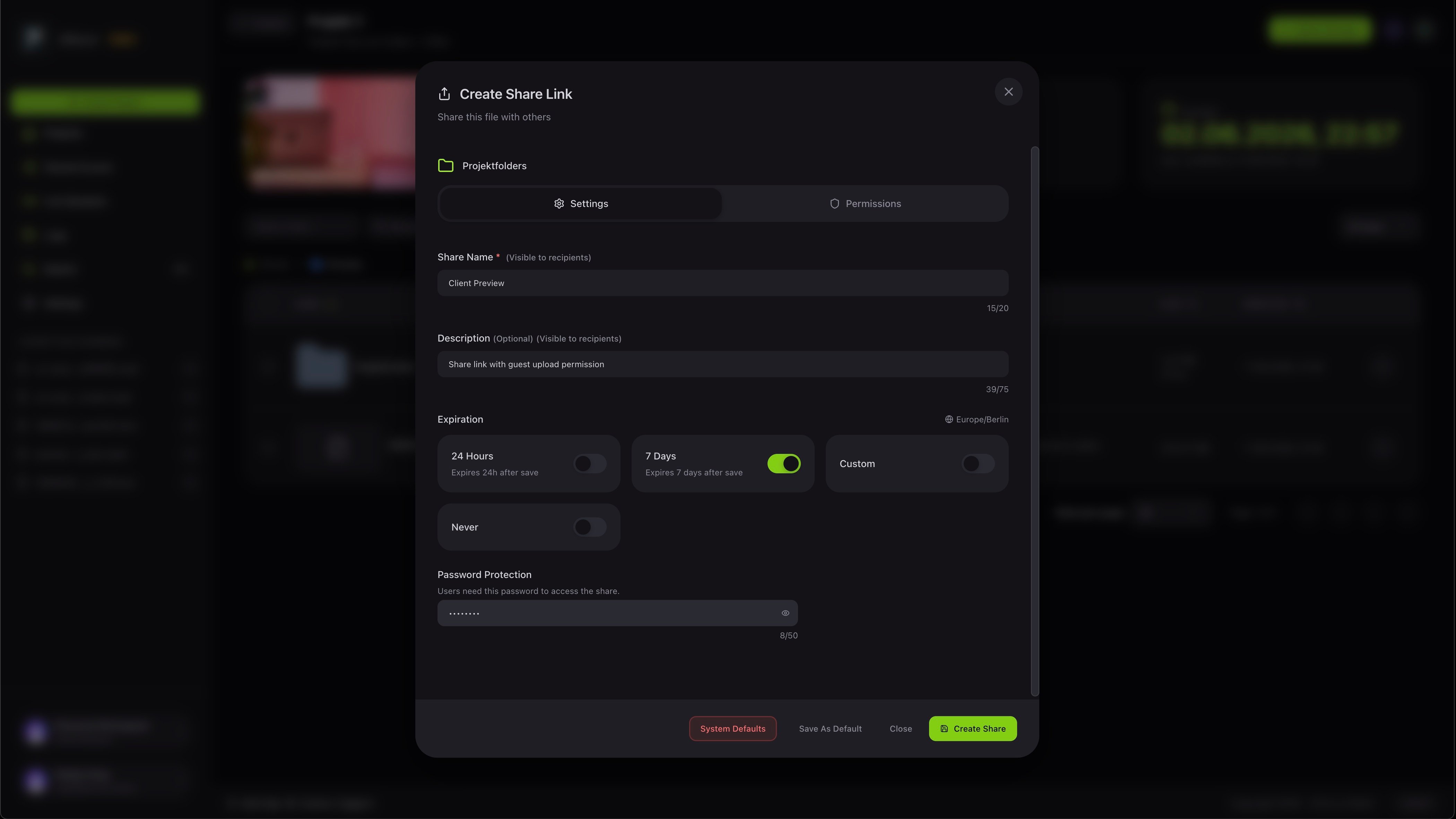
Protect a link
If you add a password, the person who opens the link first sees a passphrase screen and only gets in with the right password.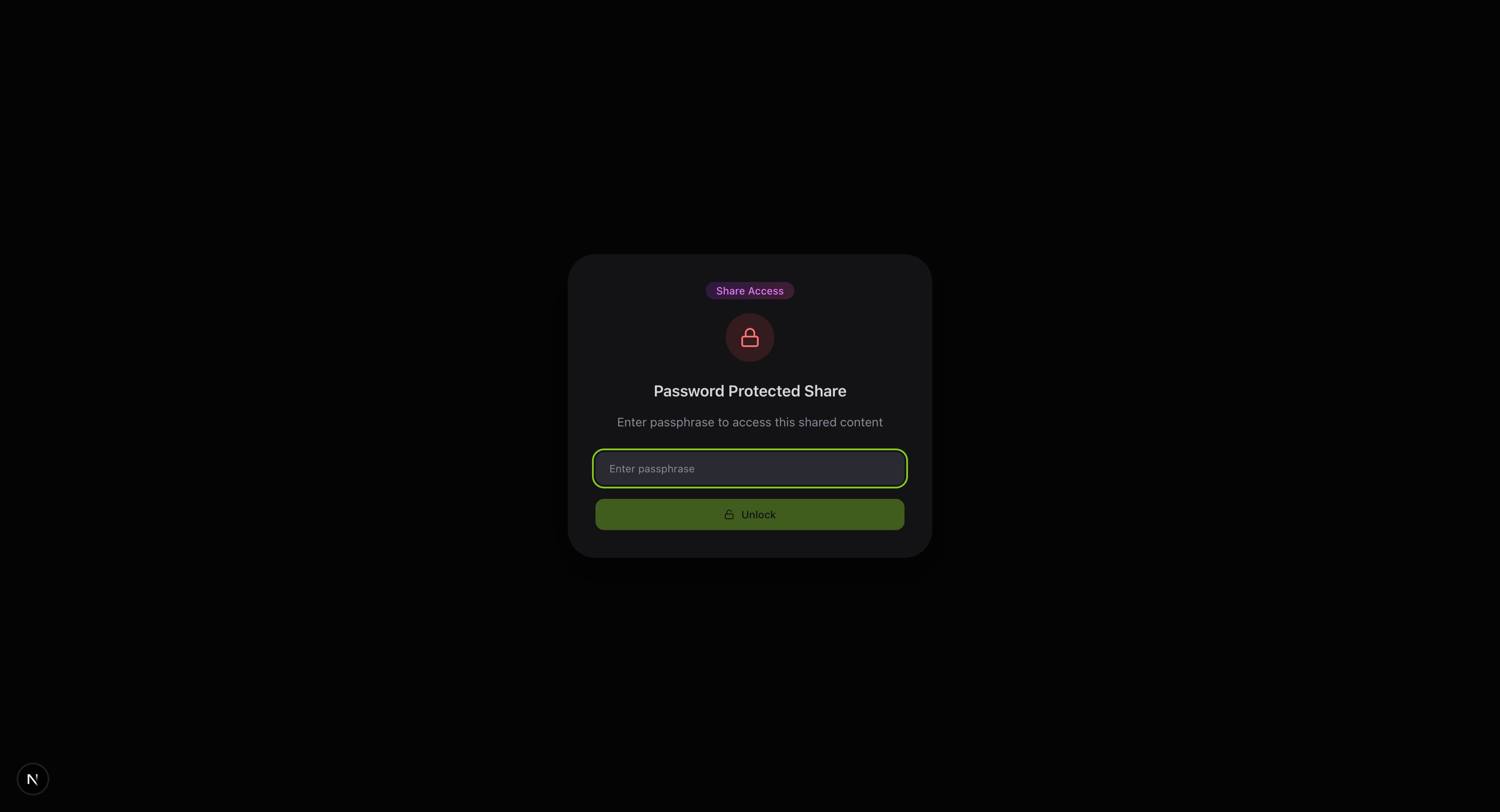
What your client sees
Once they are in, your client sees a clean view of the shared folder with your structure and files, and can open any file to review it.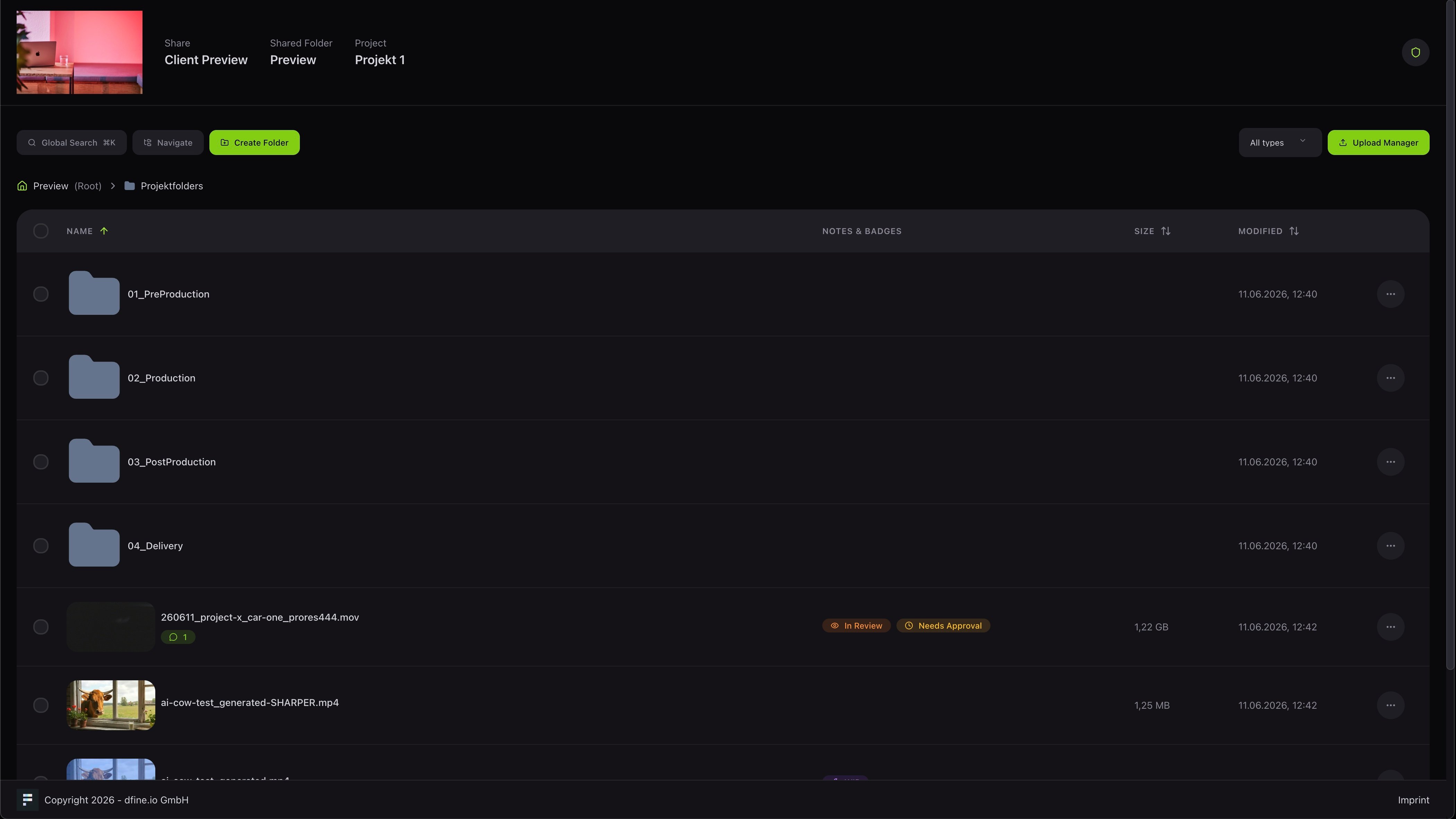
Point a share at something else
You can relink an existing share to a different folder or file, so the same link keeps working even when your structure changes. The new target has to sit in the same project.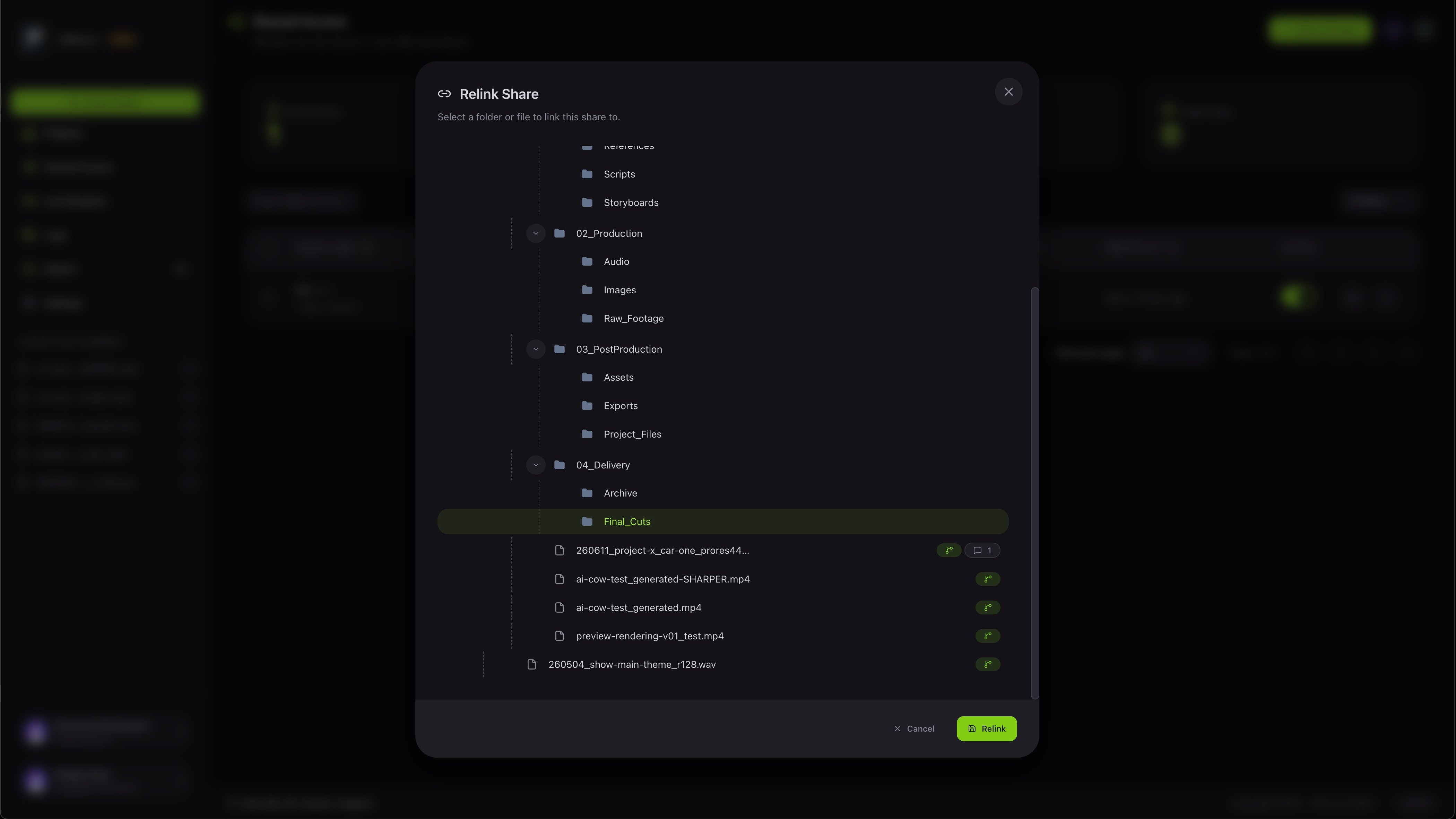
See the review tools
How feedback and approval work.