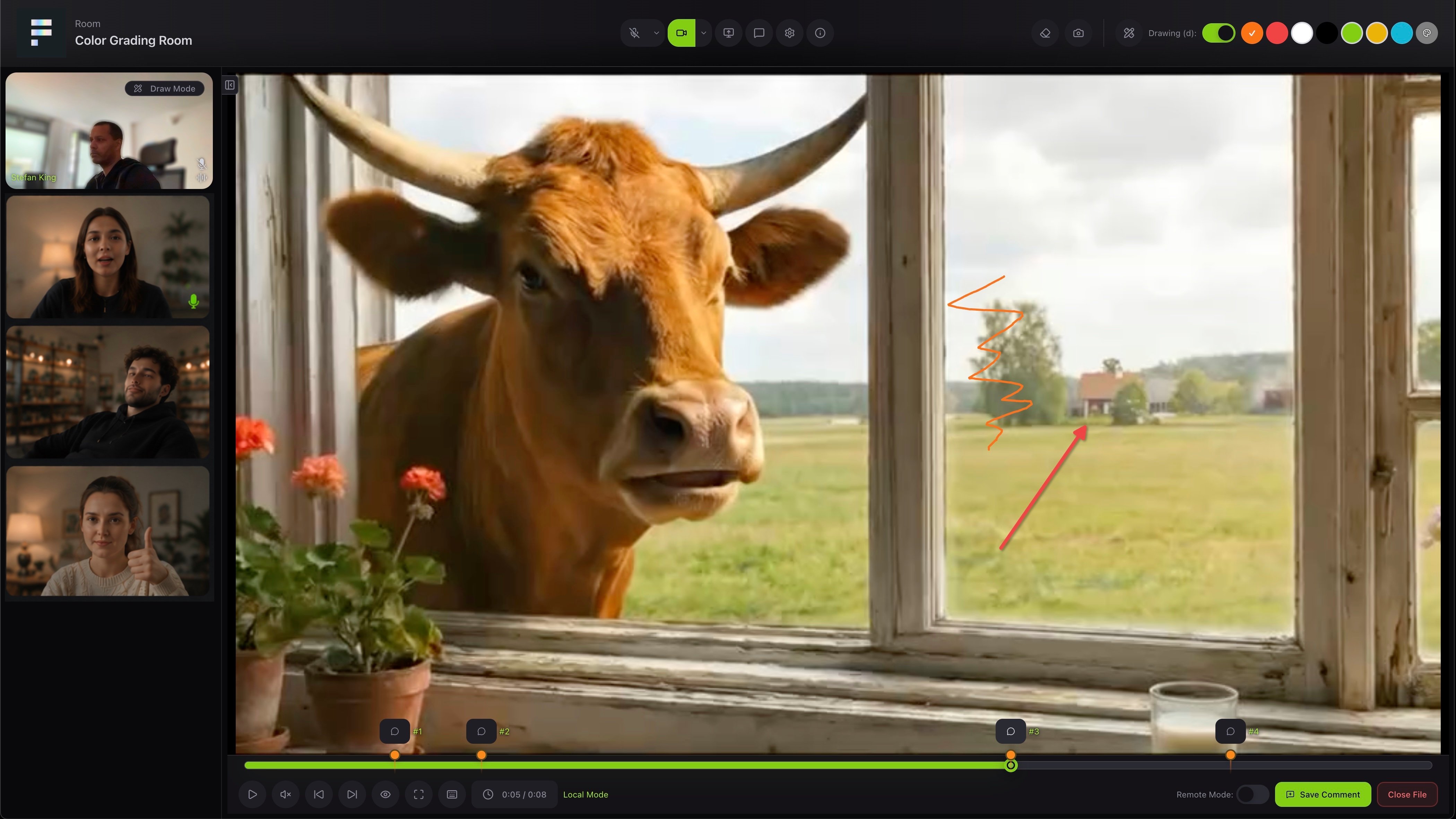
Conferencing lets you run a review as a live session. Instead of leaving comments for later, you and your client watch the work together in a room, talk it through and draw on the picture in real time.
A live conferencing room with participant videos and a drawing on the shared file
Everyone in the room sees the same file. You can draw and mark up the picture together, jump between comment points on the timeline, and save what you discuss as a comment, so nothing gets lost after the call. Conferencing is part of a paid plan. On the free plan you see an invitation to upgrade.

Rooms

Open Live Sessions to manage your rooms. Create one with Create Room, or use Quick Create to get going in one click. Each room shows its participants, accesses, sources and usage at a glance.
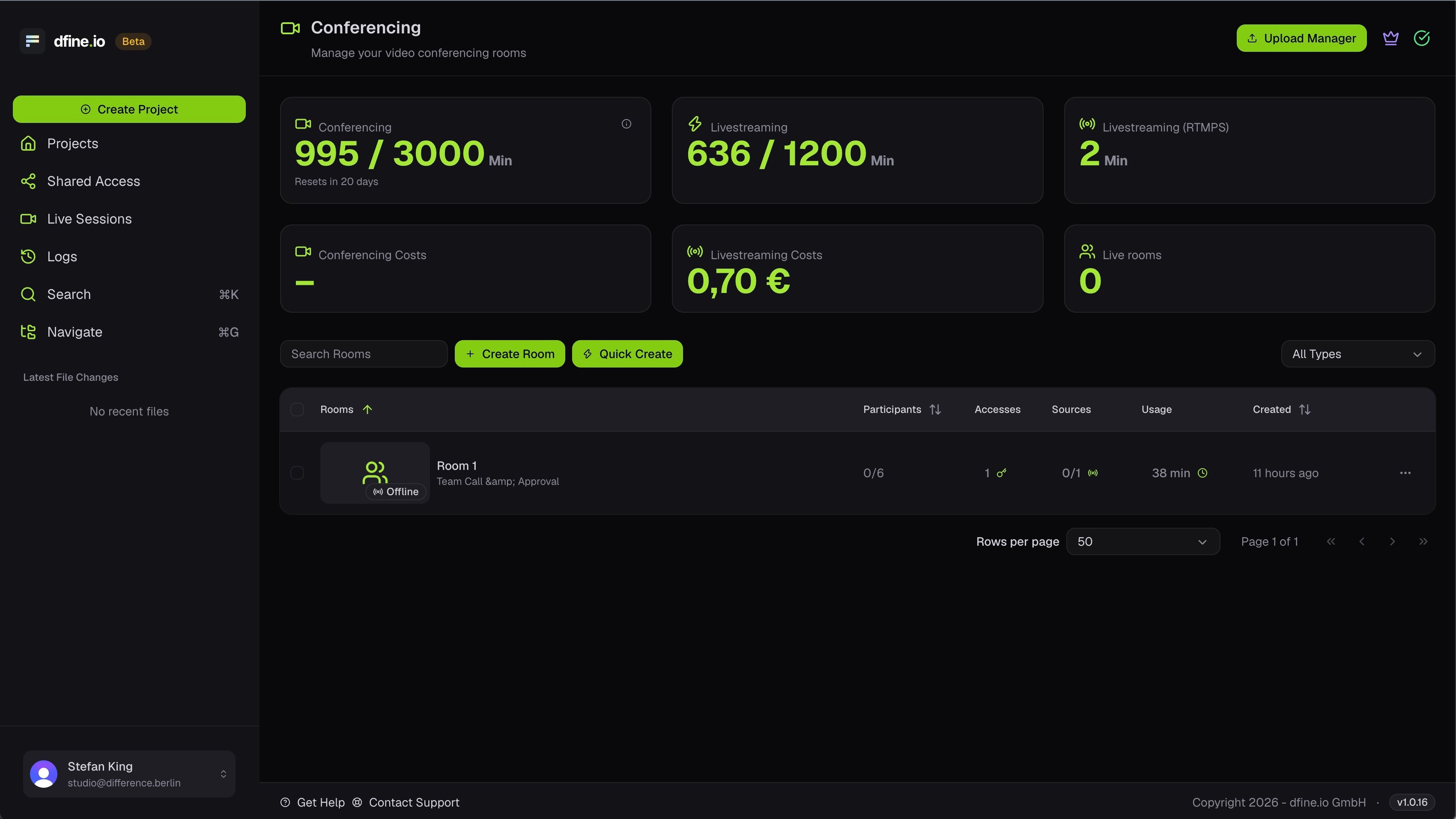
The Live Sessions page with conferencing usage and the room list

Sources

Sources bring external video from a hardware or software encoder into the room. Open a room, Edit it and go to the Sources tab to add one. Choose WHIP for a premium passthrough or RTMP for HD, and each source gives you a Server URL and a stream key. Each active source counts as one participant and uses a room slot.

Find the source Server URL and stream key

Where to copy the values your encoder needs.

Accesses

In the Accesses tab you create access codes, each with its own permissions, time window and start date. Turn one off any time to block entry without deleting it.
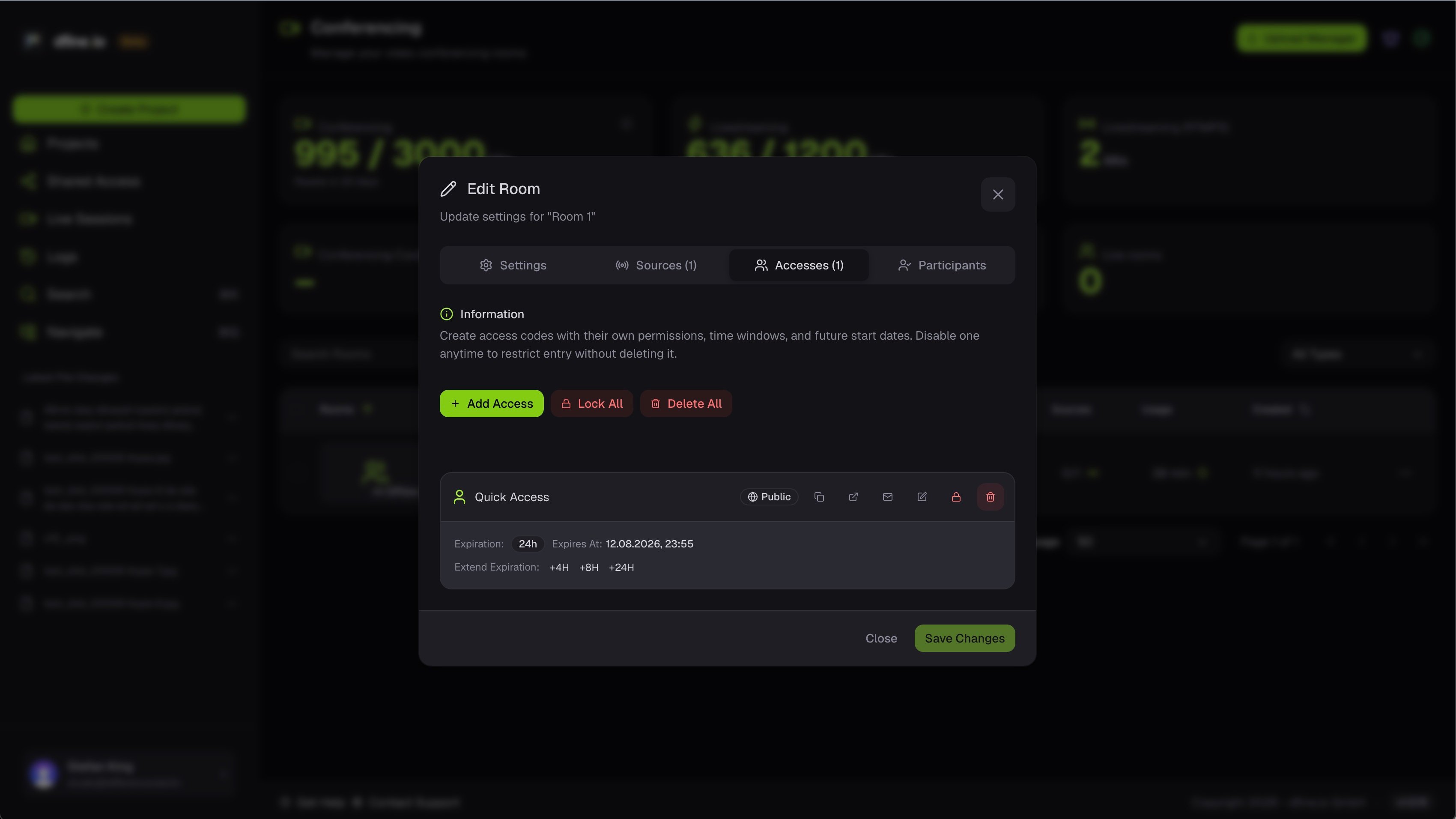
The Edit Room dialog on the Accesses tab with an access code

Compare plans

See which plan includes conferencing.