

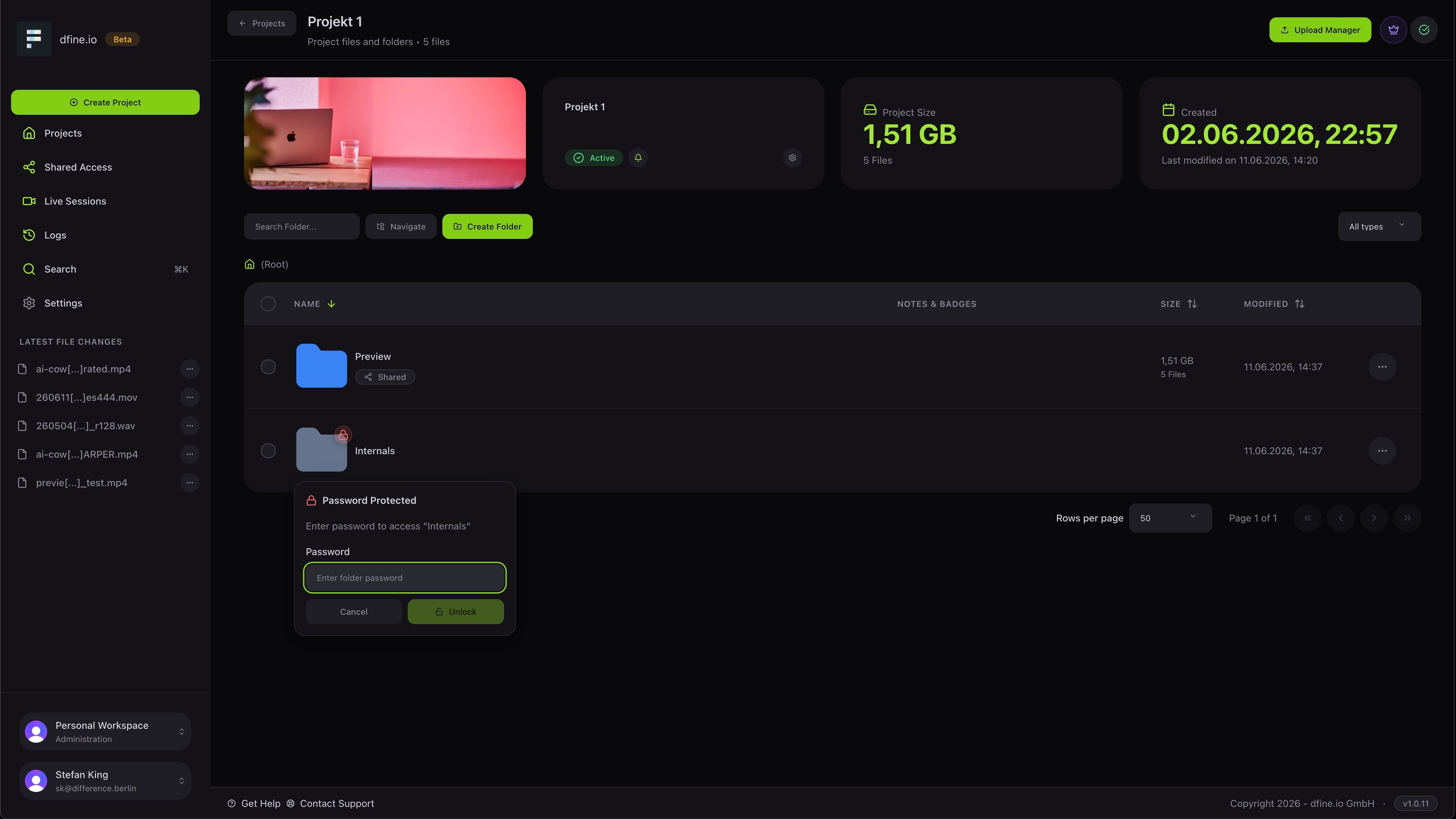
Security
Here you protect your folders with passwords, set a default folder password and choose how long you stay signed in before the session times out. You can also turn on automatic comment translation, so feedback in another language is translated for you, as long as your plan includes it.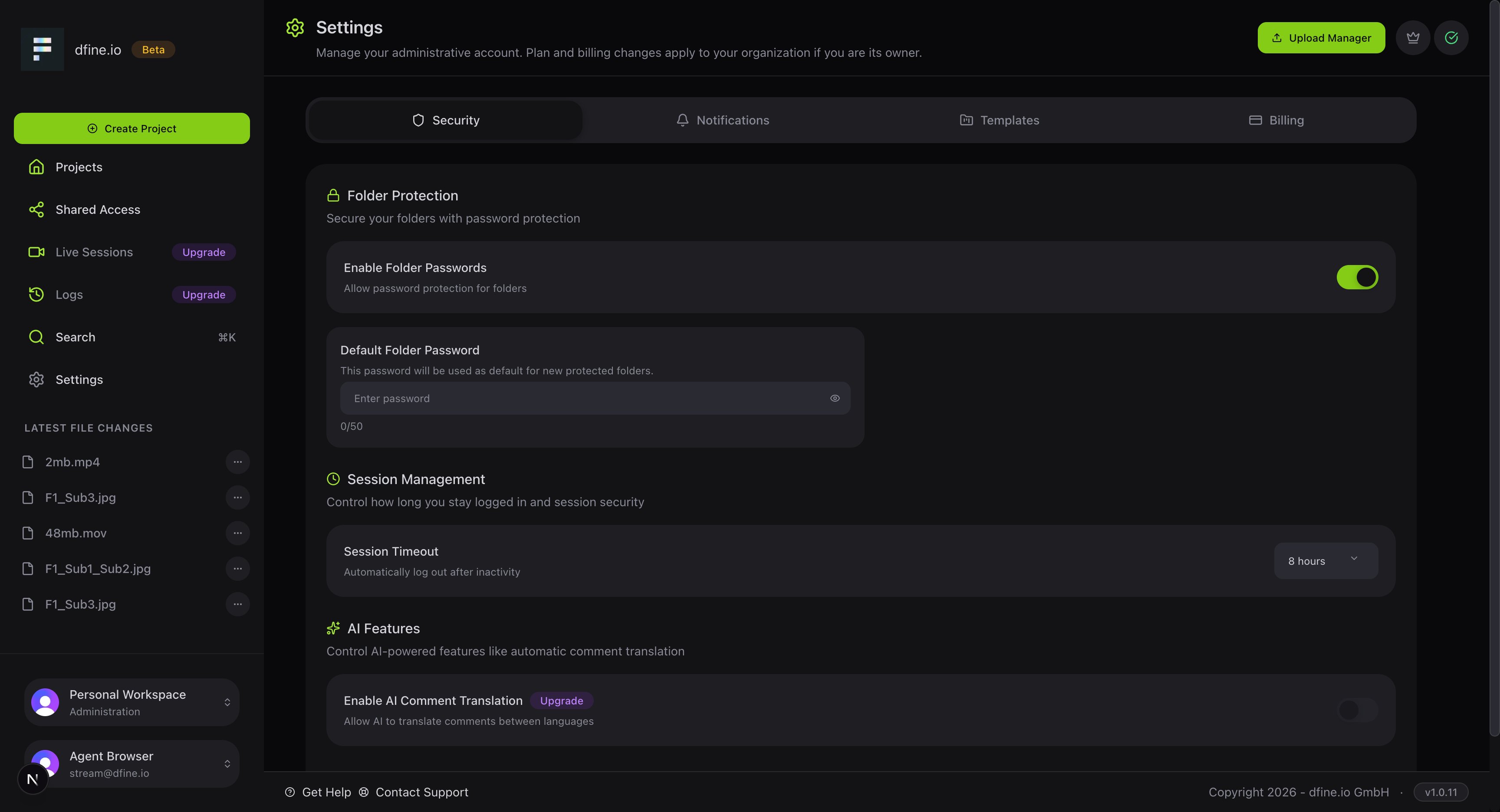
Notifications
Choose which email updates you want. You can switch notifications on or off for comments, uploads, shares, project changes and live sessions.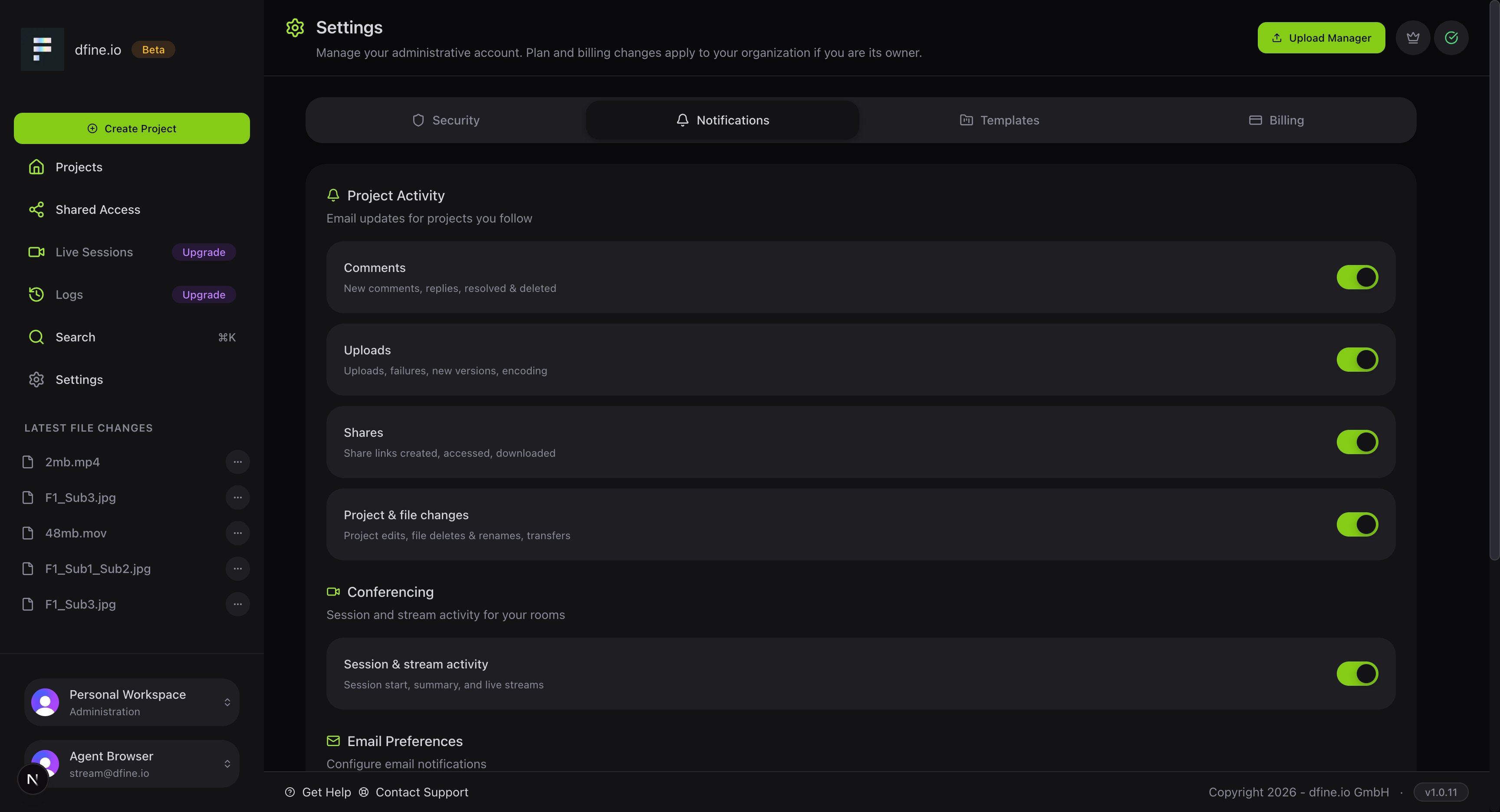
Templates
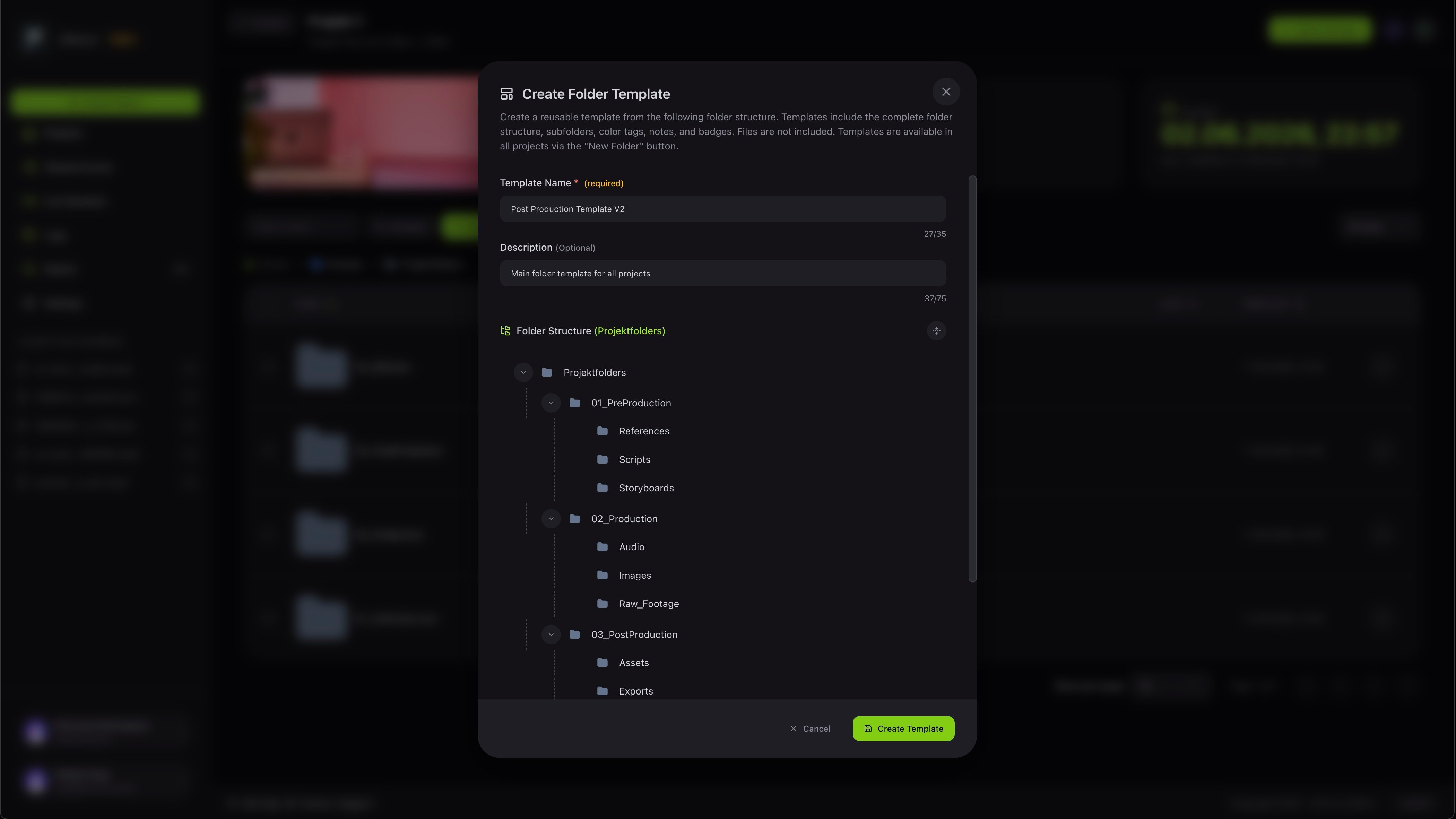
Templates let you save a folder structure and reuse it for new projects, so every project starts the same way. You can build a structure by hand or load one of your saved templates.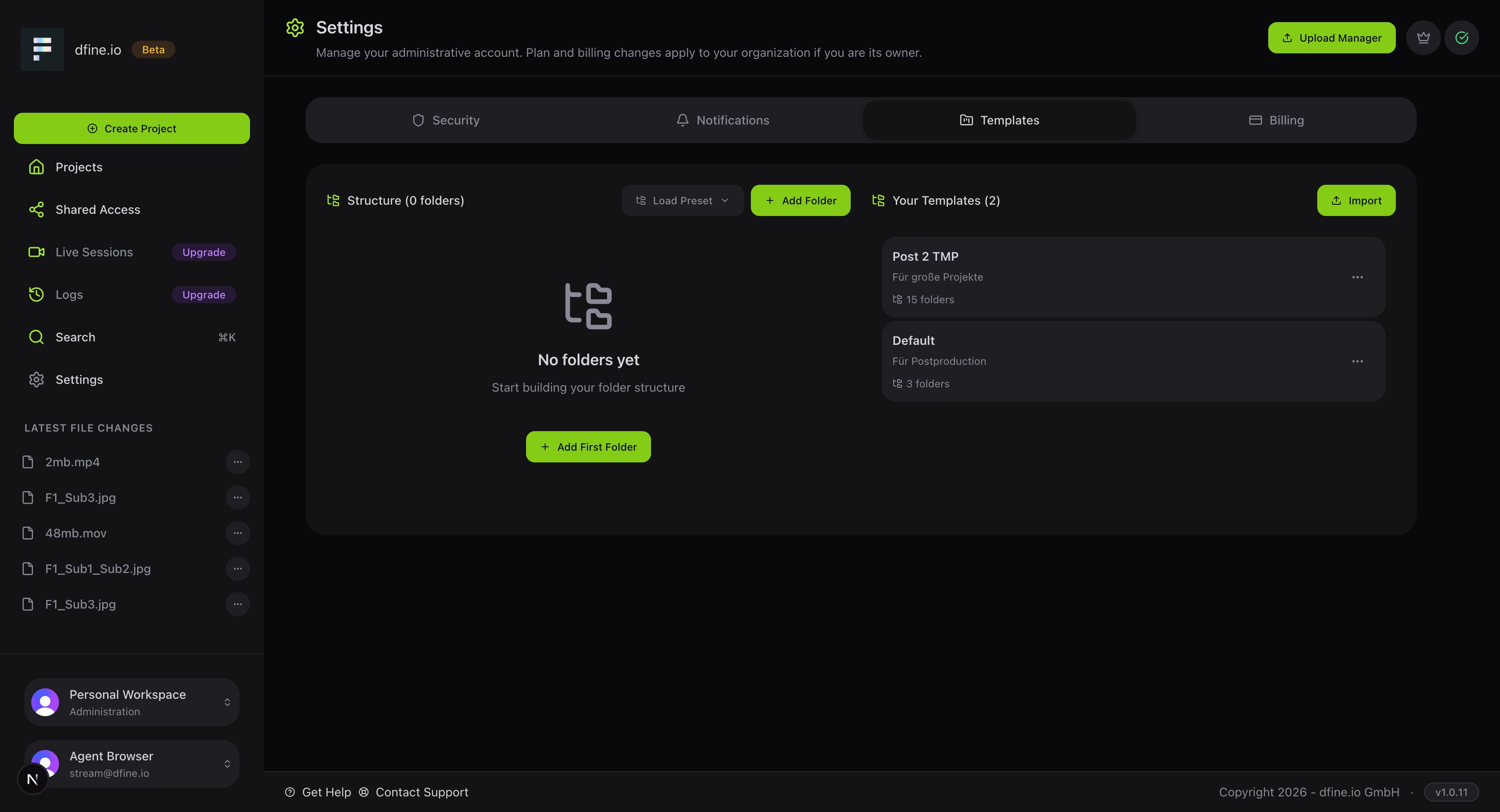
Plans and billing
Manage your subscription and storage.