

This profile works for both dfine.io products that livestream — Streaming Classic and Review. Only the bitrate limits differ by product and plan.
1
Download the profiles
Download the OBS profiles and unpack the archive.
2
Pick the right profile
Use the dfineio-streaming profile. It works for all paid plans. The only difference between plans is the bitrate, which you set according to your subscription.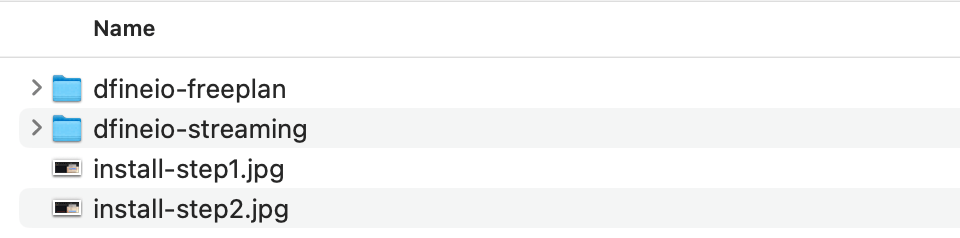
3
Import it into OBS
In OBS, choose Profile → Import, then select the imported profile from the Profile menu.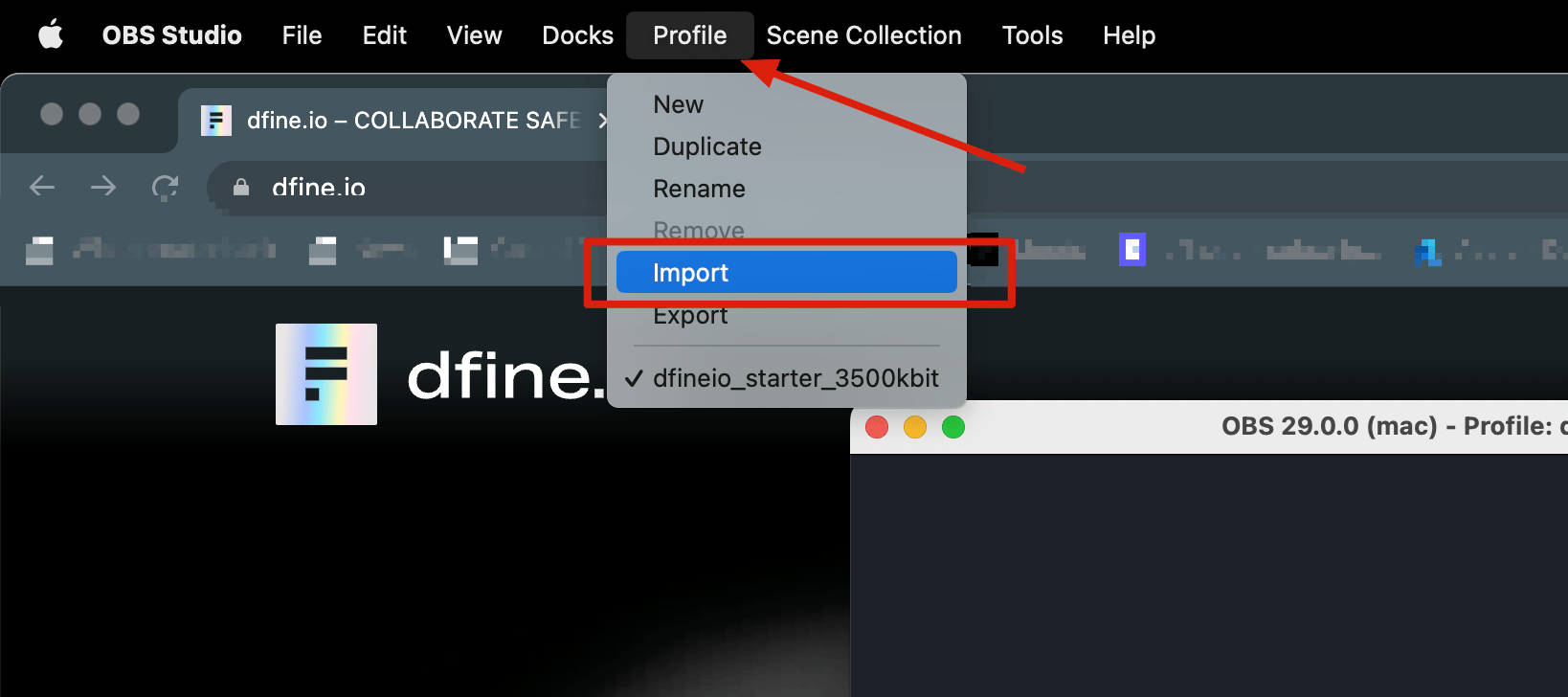
Next: OBS settings (RTMPS)
Enter your ingest URL and stream key, then go live.