

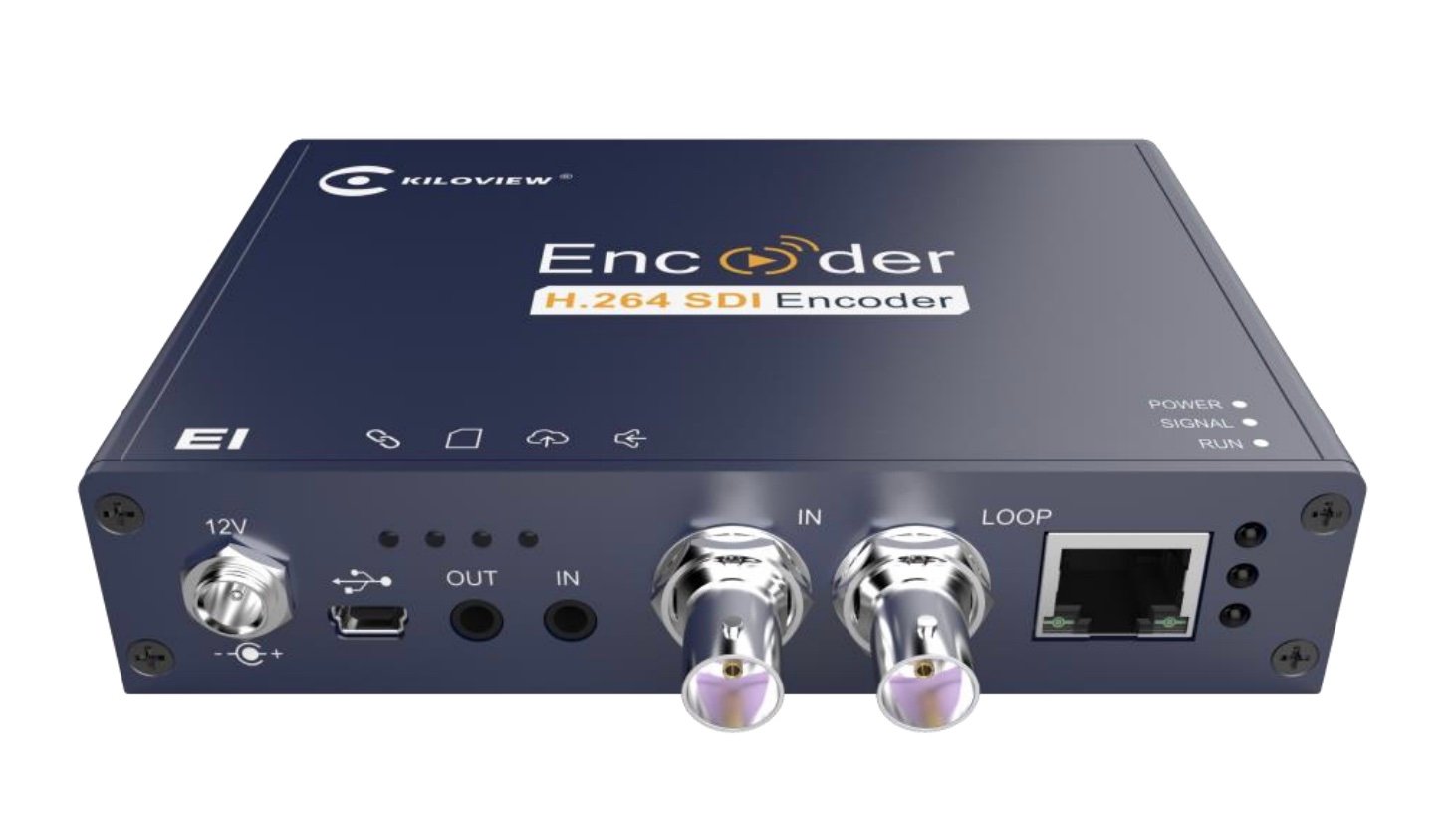
These steps apply to both dfine.io products that livestream — Streaming Classic and Review. The encoder setup is the same; only where you copy your ingest URL and stream key differs by product. See Where do I find the ingest server URL?.
Connect the encoder
1
Connect SDI, network and power
Plug your SDI source into the SDI input, connect the encoder to your network over Ethernet, and power it on.
2
Open the web interface
Out of the box the encoder gets its address from your network over DHCP, and it also keeps a permanent failsafe address, 192.168.1.168, that is always reachable. For the first login, set your computer to the same
192.168.1.x range, open http://192.168.1.168 in a browser, and sign in (the default user and password are both admin). After that you can reach the encoder at the address your network assigned it; 192.168.1.168 stays available as a fallback.Set the encoder parameters
Open Encoding & Stream in the left menu, then the H.264 main stream parameters, and match the values below. dfine.io needs the Main profile (or Constrained Baseline), and the bitrate must stay within your plan.Push to dfine.io over RTMPS
1
Add an RTMPS push
Still in Encoding & Stream, under the H.264 main stream click Add a Streaming Service and choose RTMP Push (the encoder’s name for an encrypted
rtmps:// push).2
Paste your ingest URL and stream key
Enter your dfine.io RTMPS push URL. On the Kiloview the stream key goes at the very end of the address, after a final If the encoder has a single field, paste the whole line. If it splits the address and the key into separate fields, put everything up to the last
/. A complete dfine.io URL looks like this:/ in the address field and the stream key in the key field. The address always starts with rtmps://.3
Start streaming
Start the streaming service. The encoder connects and your stream goes live in dfine.io.
Find your ingest URL and stream key
The two values the encoder needs to connect.
Kiloview E1 manual and screenshots
Photos of the encoder and the web interface on Kiloview’s official support site.