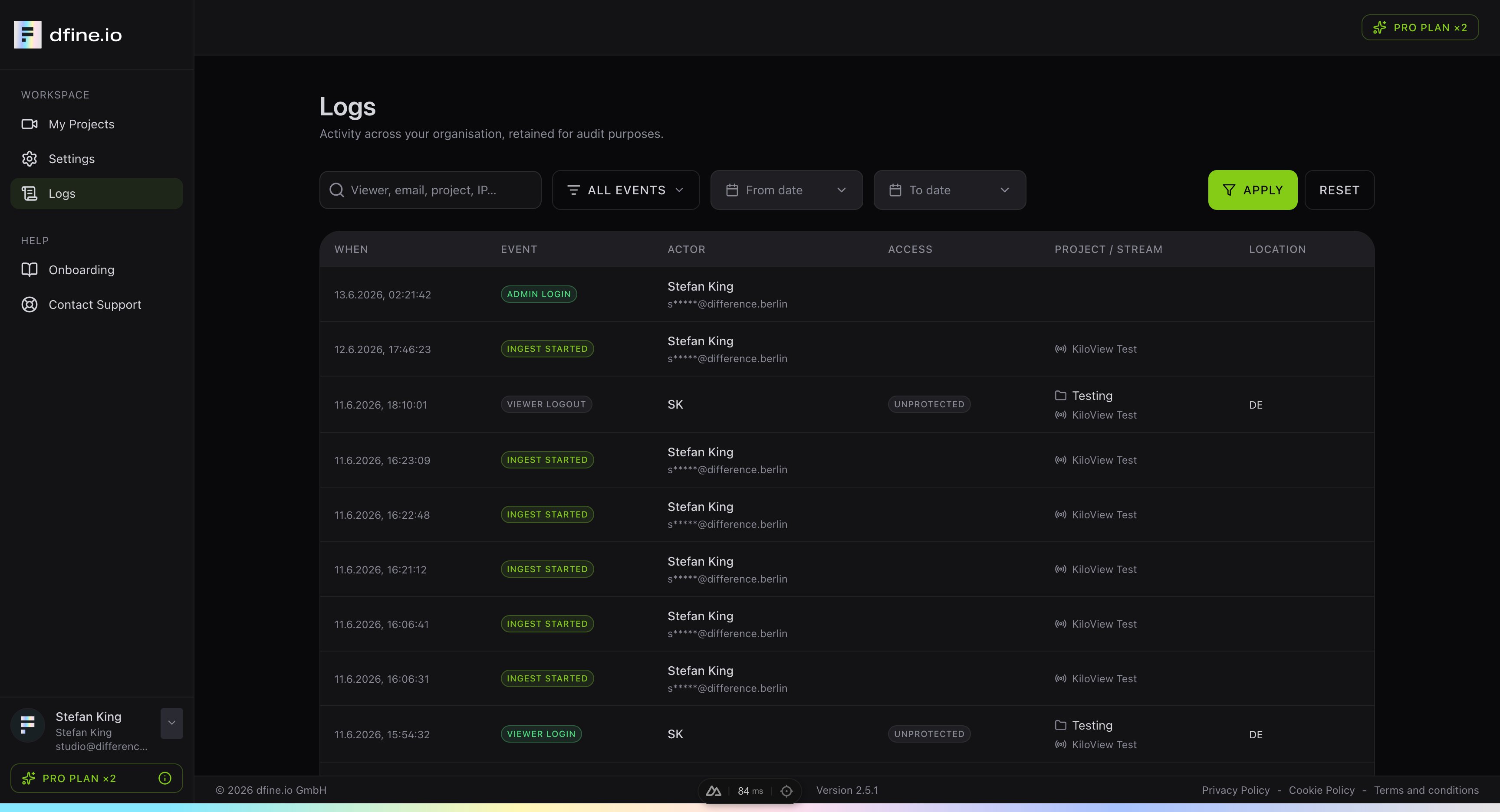
The Logs page shows everything that happens across your organisation, kept for audit purposes. It is a clear record of who did what and when.
The Logs page with a filterable table of organisation activity

What you see

Each entry shows when it happened, the event, the person or viewer behind it, the access type, the project or stream, and the location. Typical events include an admin login, a stream that started, and viewers joining or leaving.

Filter the list

You can search by viewer, email, project or IP address, narrow the list to a single event type, and set a date range. This makes it easy to follow a single stream or check activity for a given day.