1
Open Share Links
Click Share Links in the sidebar. The list shows every link you created, when it expires and whether it is still active. A card at the top counts all views together.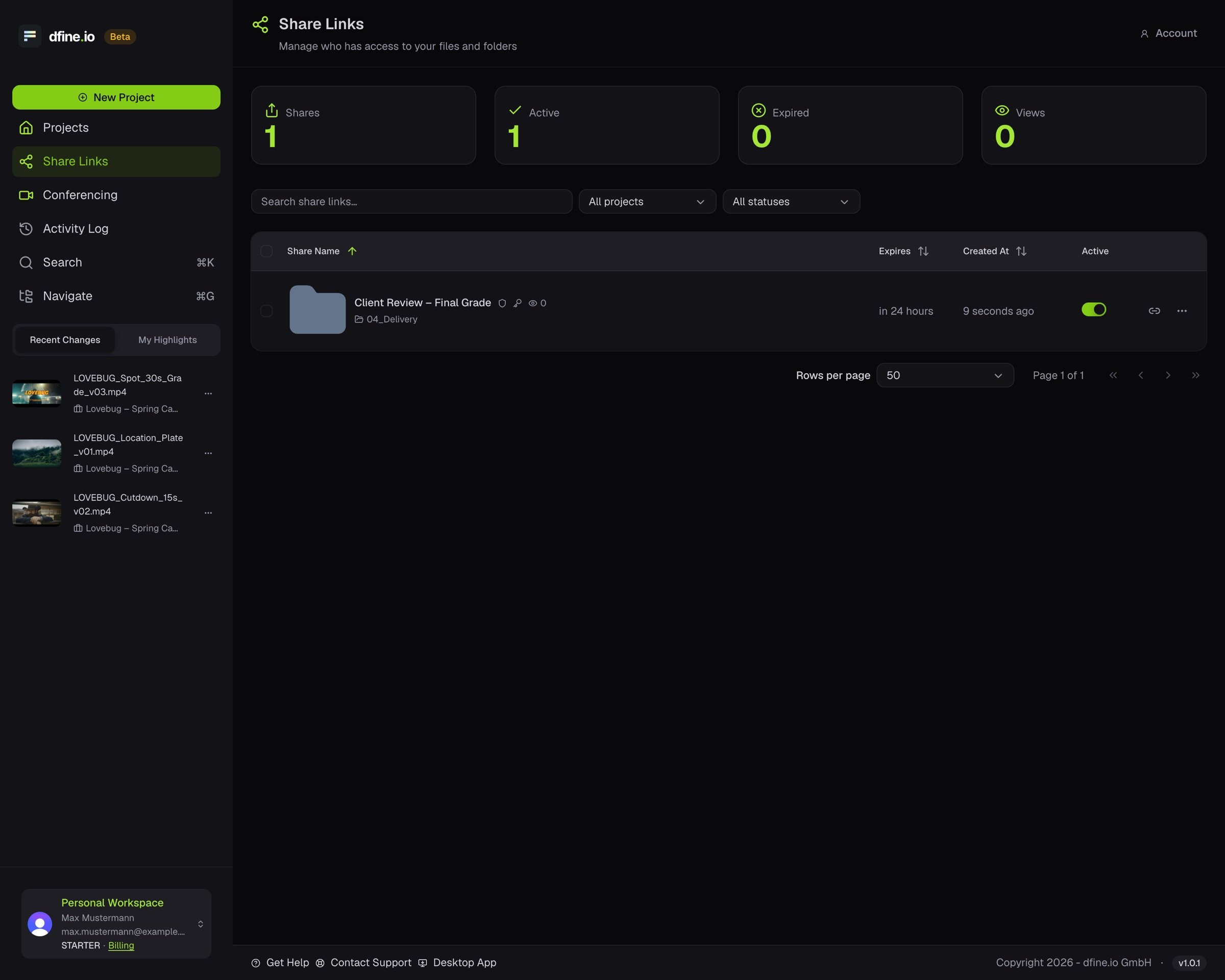
2
Open a share's menu
Turn a link off at any time. The view count of a single link sits in that share’s access trail.
3
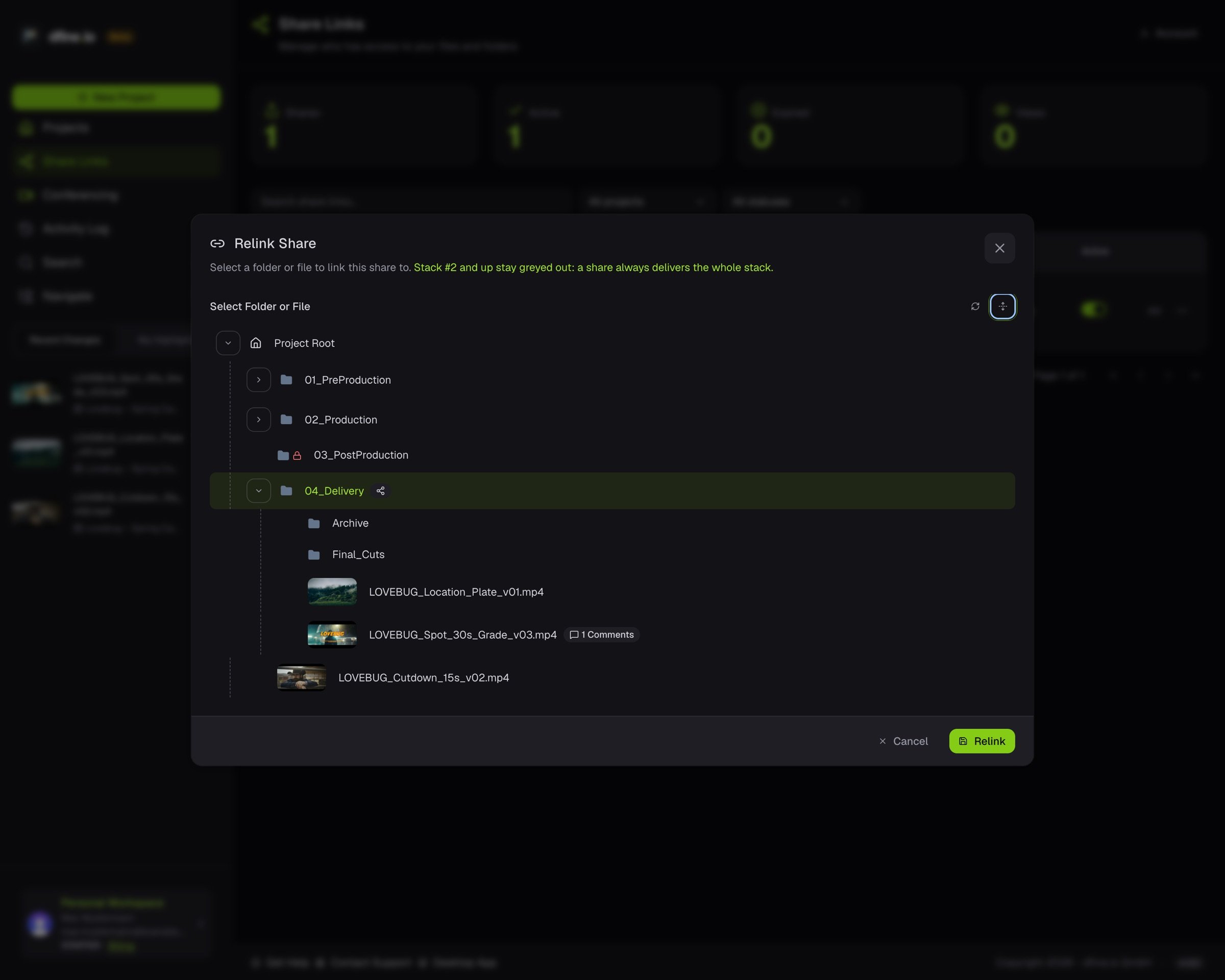
Point it at something else
Relink moves the share to another folder or file in the same project, so the link you sent keeps working.