

1
Open the file
In the project, click the file. The viewer opens with the file on the left and all feedback on the right.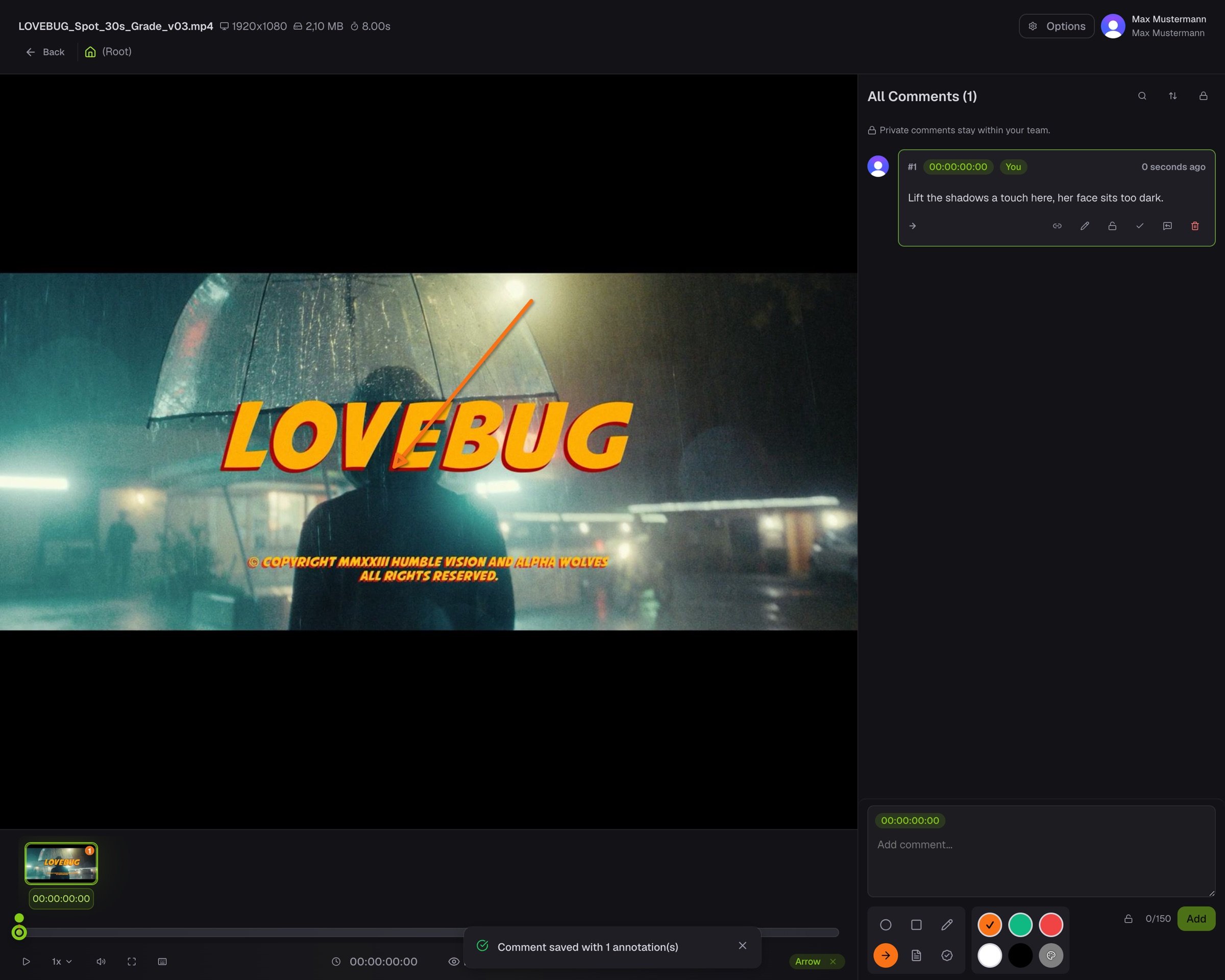
2
Jump to a comment
The strip along the bottom shows a thumbnail for every comment. Click one and the viewer jumps to that frame with its drawing on top.
3
Add your own
Type a comment and it attaches to the current frame. Draw on the picture and pick a colour to make it clear. Anyone can reply, so a discussion stays in one place.