

1
Open Activity Log
Click Activity Log in the sidebar. A chart shows activity over time, and the table lists each event with Time, Severity, Alert Type and Details.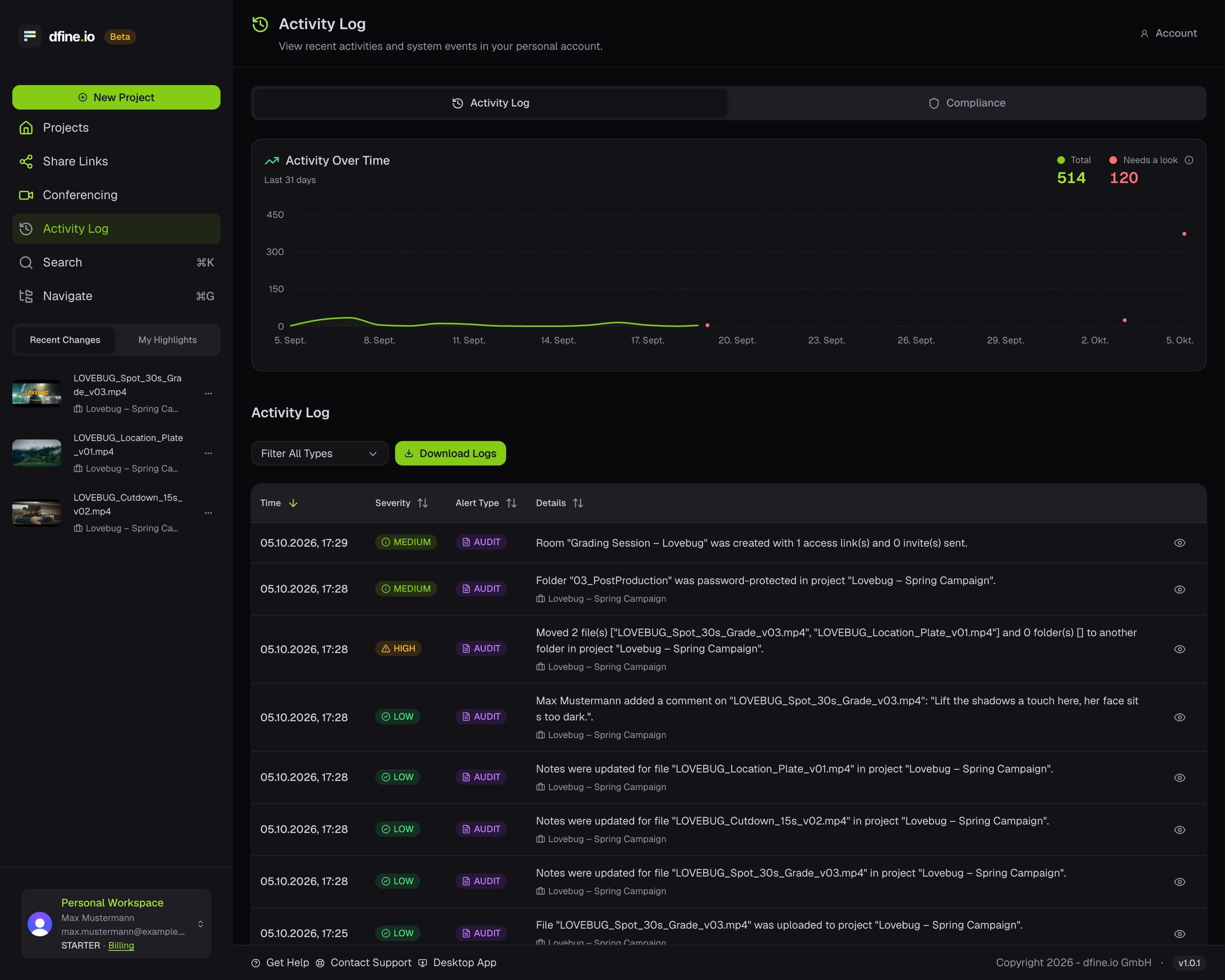
2
Narrow it down
Filter by category and by day. A single entry opens its compliance detail, which you can export as a JSON file.
3
Keep a copy
Download Logs saves the record. In an organisation the download is reserved for the owner and for admins. The Compliance tab covers stricter record keeping.