

1
Open Settings
Open the account menu at the bottom of the sidebar and click Settings.
2
Open Billing
The Billing tab shows who the account belongs to, your storage and your plan. Payment and invoices are managed from the same place.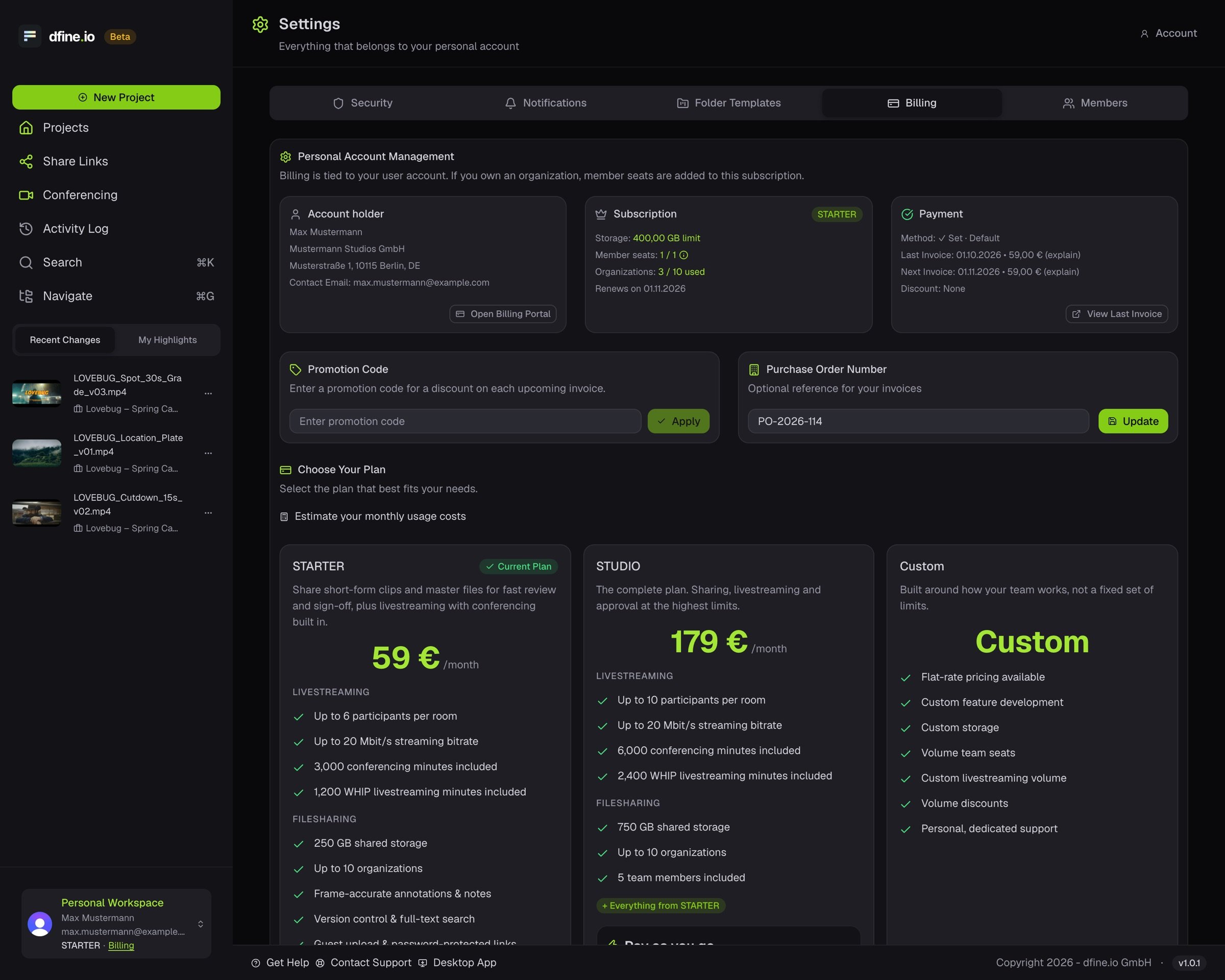
3
Change the plan
The tab lists the paid plans that are available now, each with storage, limits and price. Estimate your monthly cost there before you choose. A separate card leads to sales.