1
Open Projects
Click Projects in the sidebar. You see your projects and a Quota card with your storage in use. Your plan shows under your name at the bottom of the sidebar. The files you touched last sit in the sidebar under Recent Changes.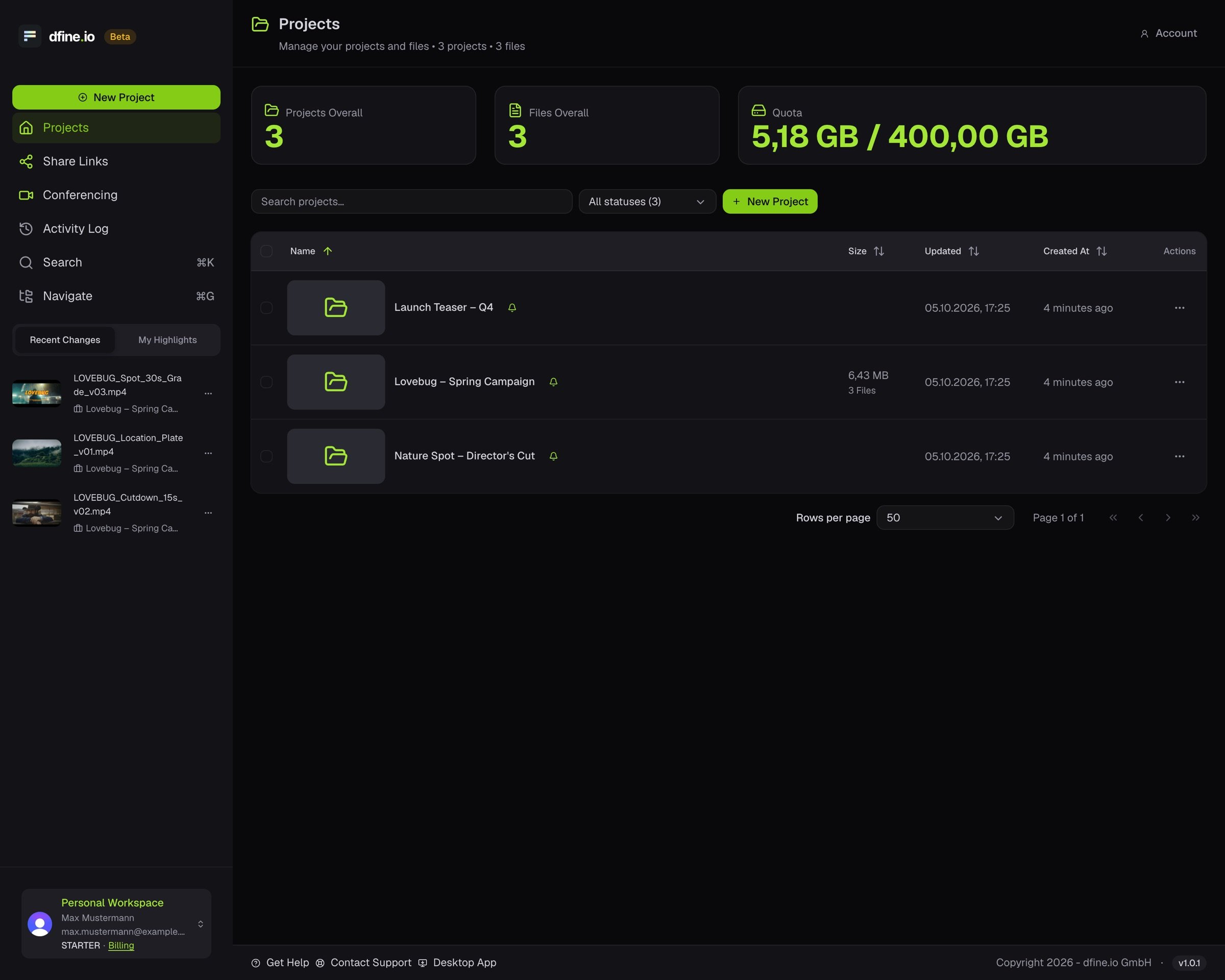
2
Open a project
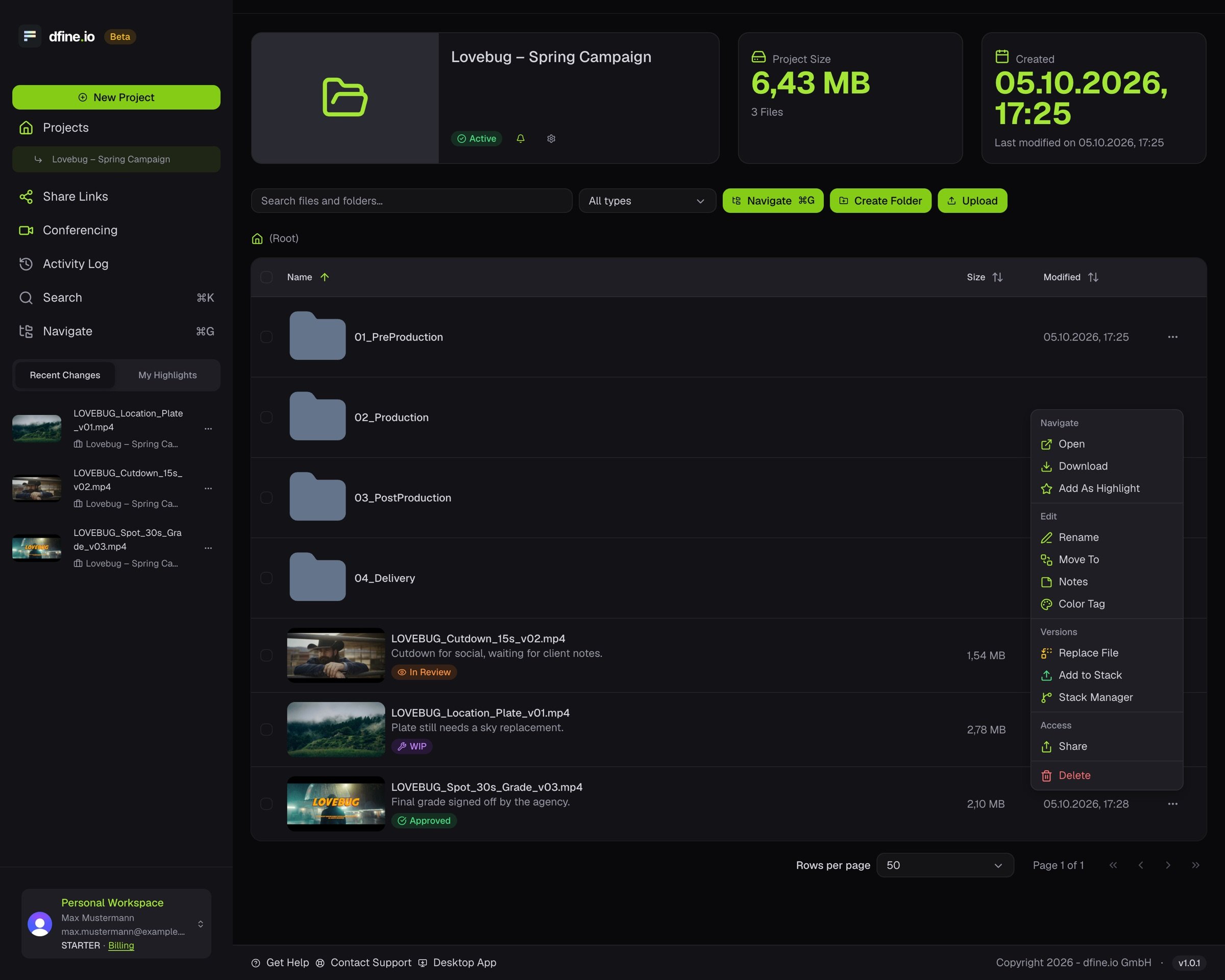
Click a project. Each file shows its size, when it changed, and its badge: WIP, In Review, Needs Approval or Approved. Upload adds files, Create Folder adds a folder.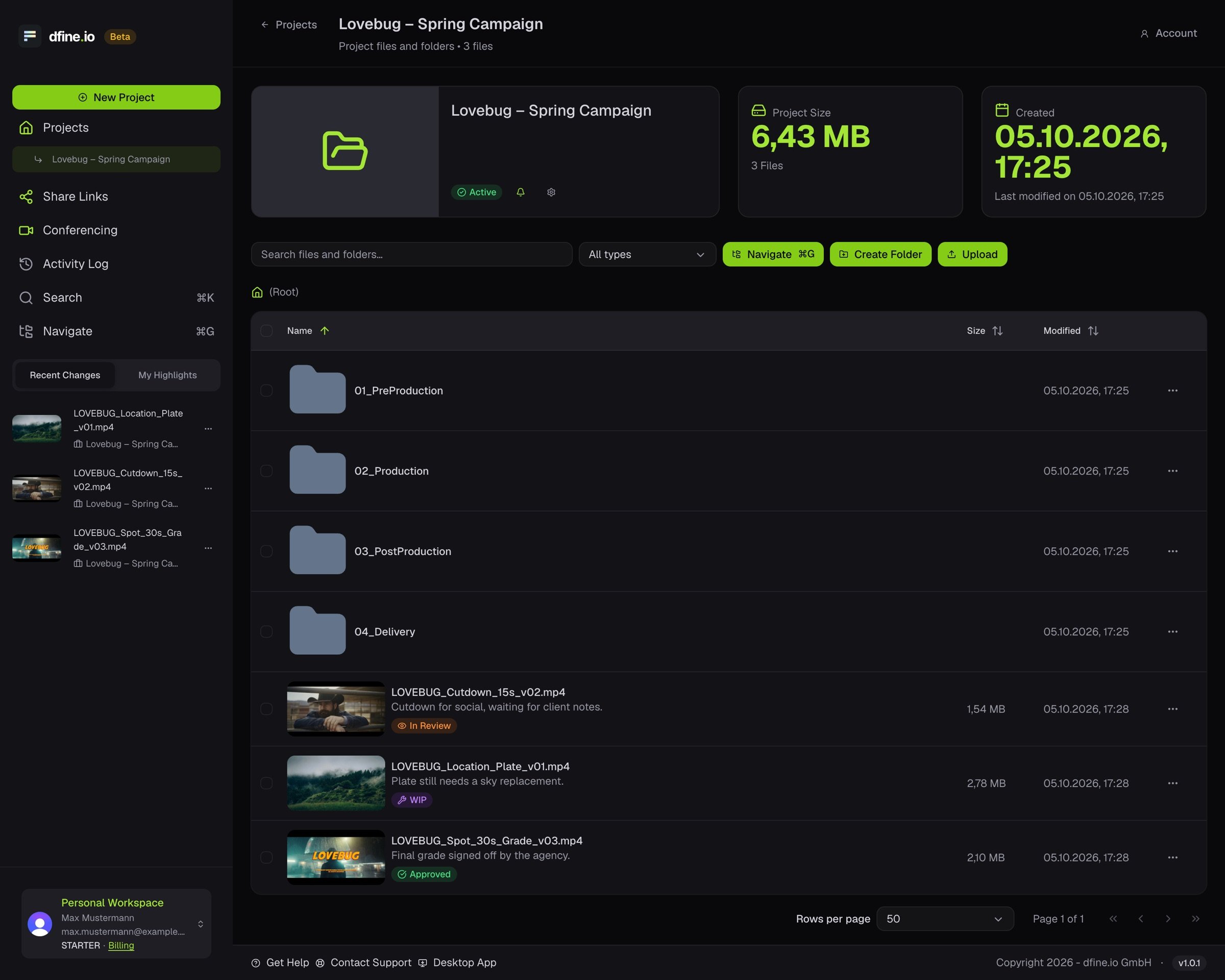
3
Open the row menu
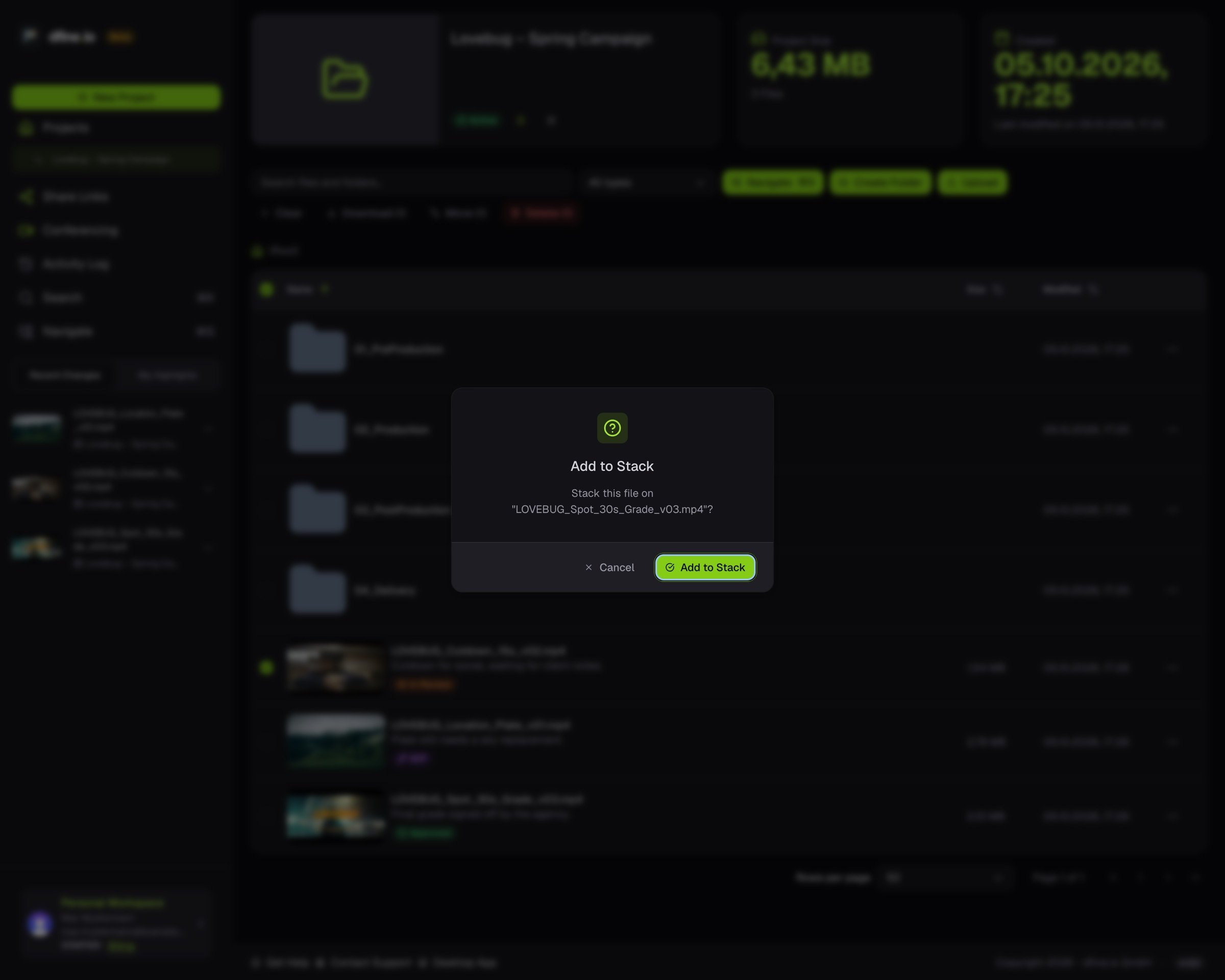
The menu on each row holds every action for that file: open, download, rename, move, notes and badges, colour tag and Share. Under Versions you replace a file, add a new version to its stack or open the Stack Manager.