

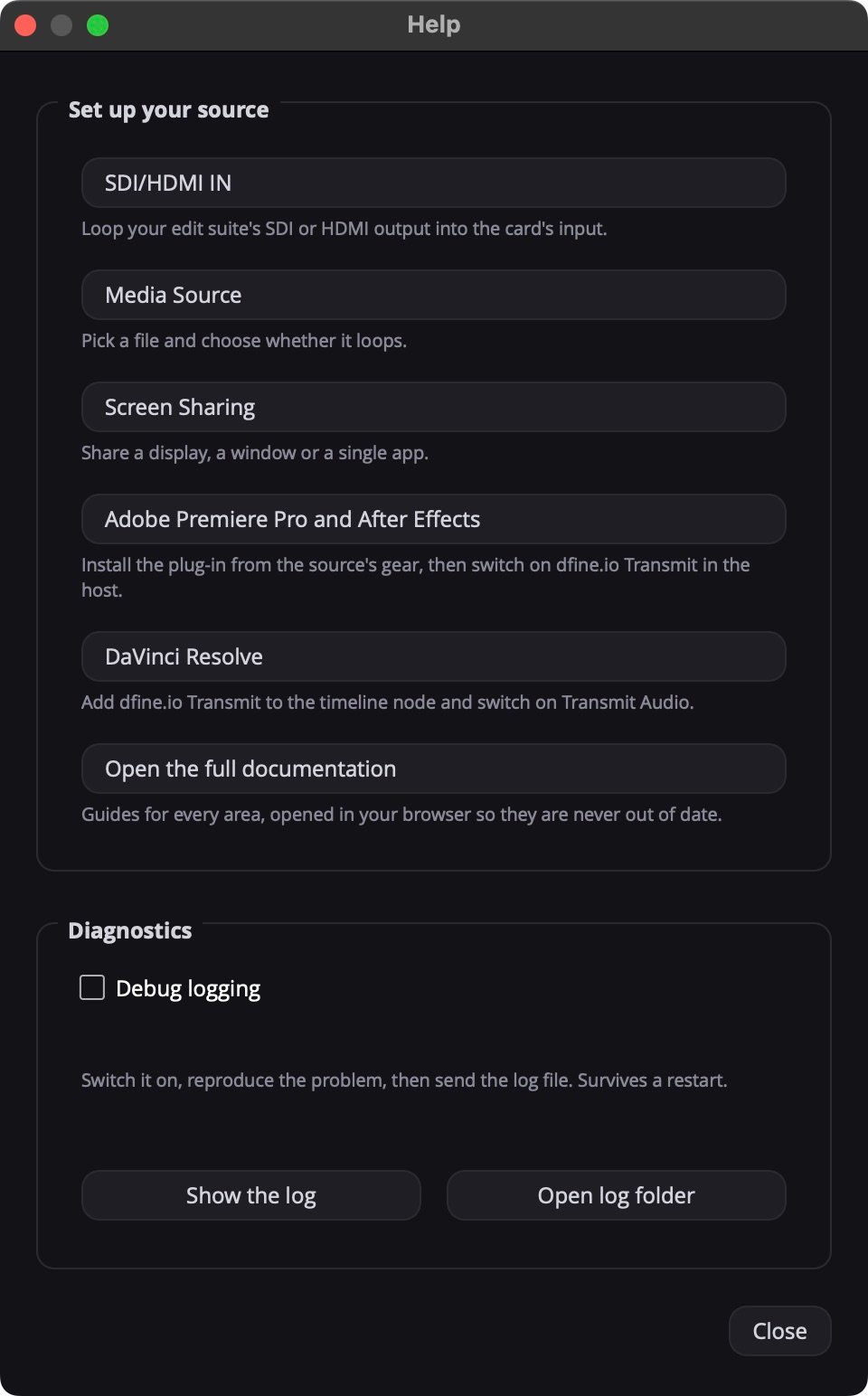
Send a log to support
1
Switch on Debug logging
Tick Debug logging under Diagnostics. It stays on after a restart.
2
Reproduce the problem
Do what went wrong once more.
3
Send the log
Click Open log folder and send the newest file to support@dfine.io. Show the log opens it directly.
~/Library/Application Support/dfine-studio/logs/. The host plug-ins write ~/.dfine-monitor/logs/transmit.log while Debug logging is on.