Two-factor sign-in
1
Open your profile
Open the user menu at the bottom of the sidebar and open your profile.
2
Turn it on
Switch on two-factor authentication there and follow the steps. It is optional and protects your account, not single projects.
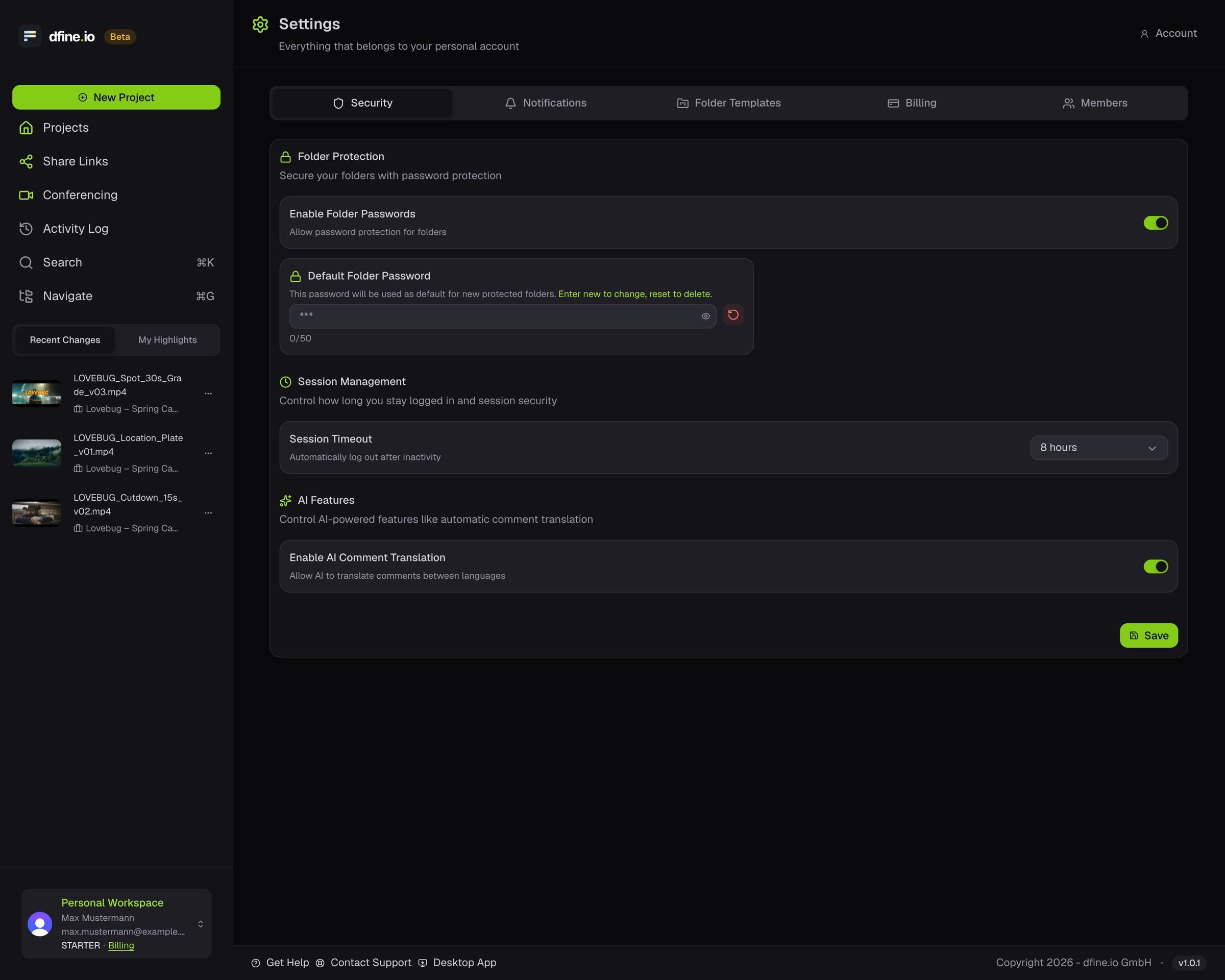
Session timeout
1
Open Settings
Open the account menu at the bottom of the sidebar and click Settings.
2
Open Security
On the Security tab, choose how long you stay signed in before an unattended session times out.