

1
Open My Projects
Each row is one project: Status shows whether it is live, Stream time how long it streamed, Streams and Accesses count its slots and viewers. Search and filter the list.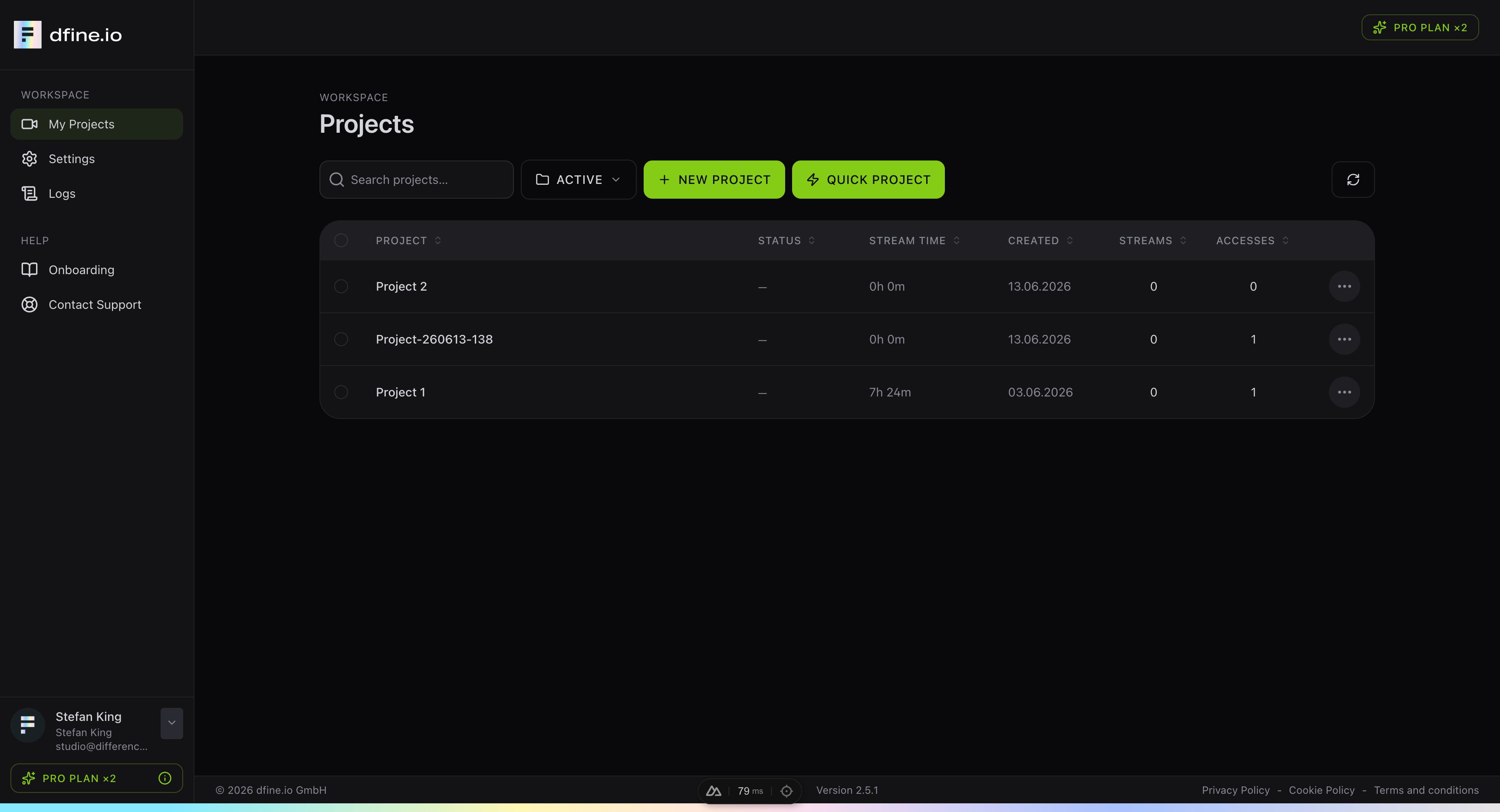
2
Create a project
New project sets it up step by step. Quick project creates a project, a stream slot and a protected viewer access valid for 24 hours in one click.
3
Add a stream slot
In the project, click New stream slot. Each slot is one ingest endpoint with its own stream key.
The menu at the end of a project row edits, archives, bookmarks or deletes it.
Next: Where do I turn on access for my clients to a stream?