

1
Open the stream slot
Go to My Projects, open the project and the stream slot.
2
Open Accesses
In the Accesses tab, choose New access. Give it an Alias and a start and end time.
3
Pick how strict
Choose the access type and save. Send your client the link.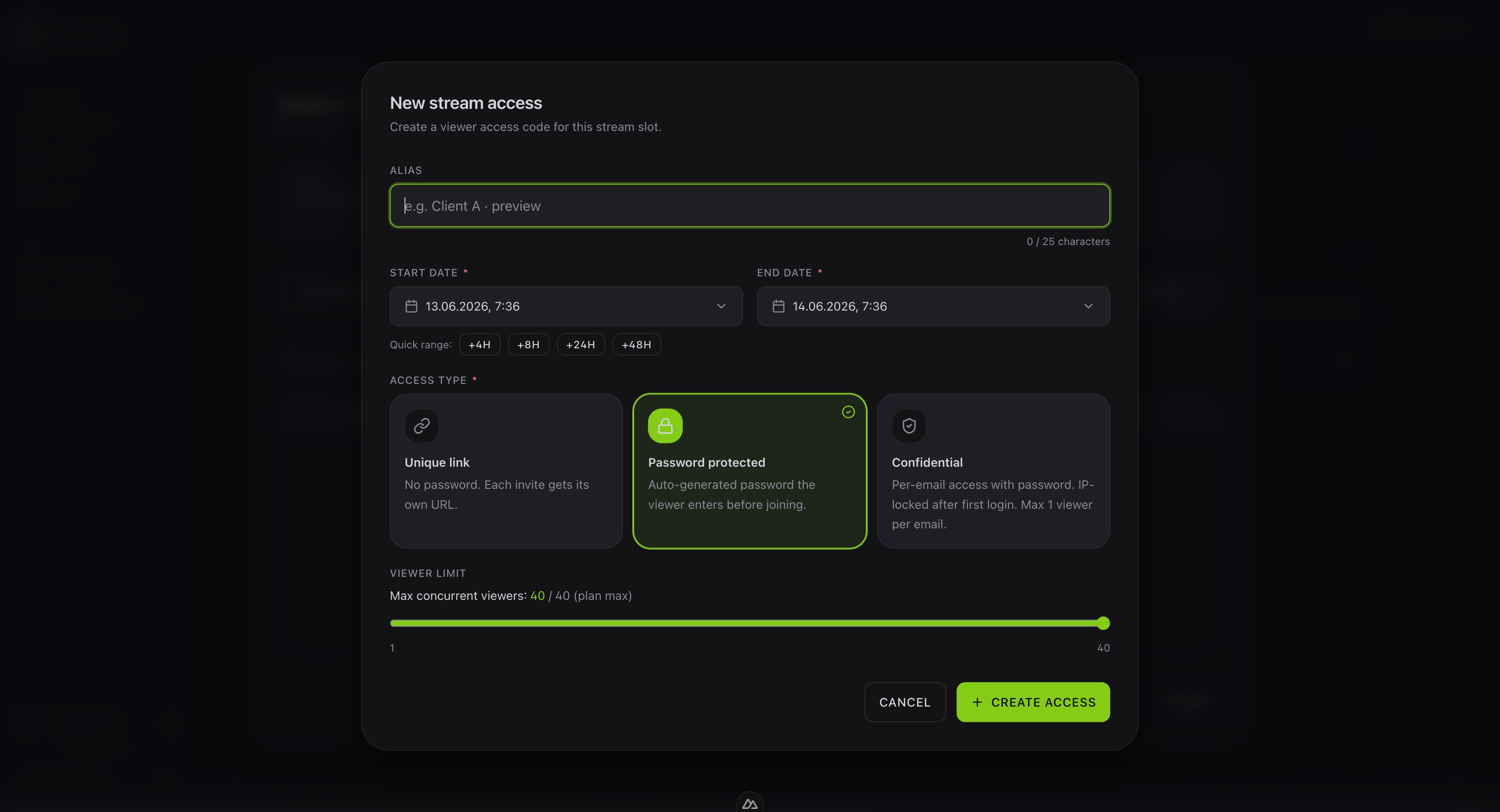
Quick project creates a project, a slot and a protected access valid for 24 hours in one click. How your clients join: For viewers.