

Hand over control (team)
Only members of the team that owns the room can hand over control. Guests can take moderation, but cannot pass it on.1
Open the menu
Click the gear (Meeting settings) and open File Stream. Remote Mode has to be on.
2
Pick a person
Hand Over Control lists every participant. Click the name of the person who should control playback. They then carry the moderating badge.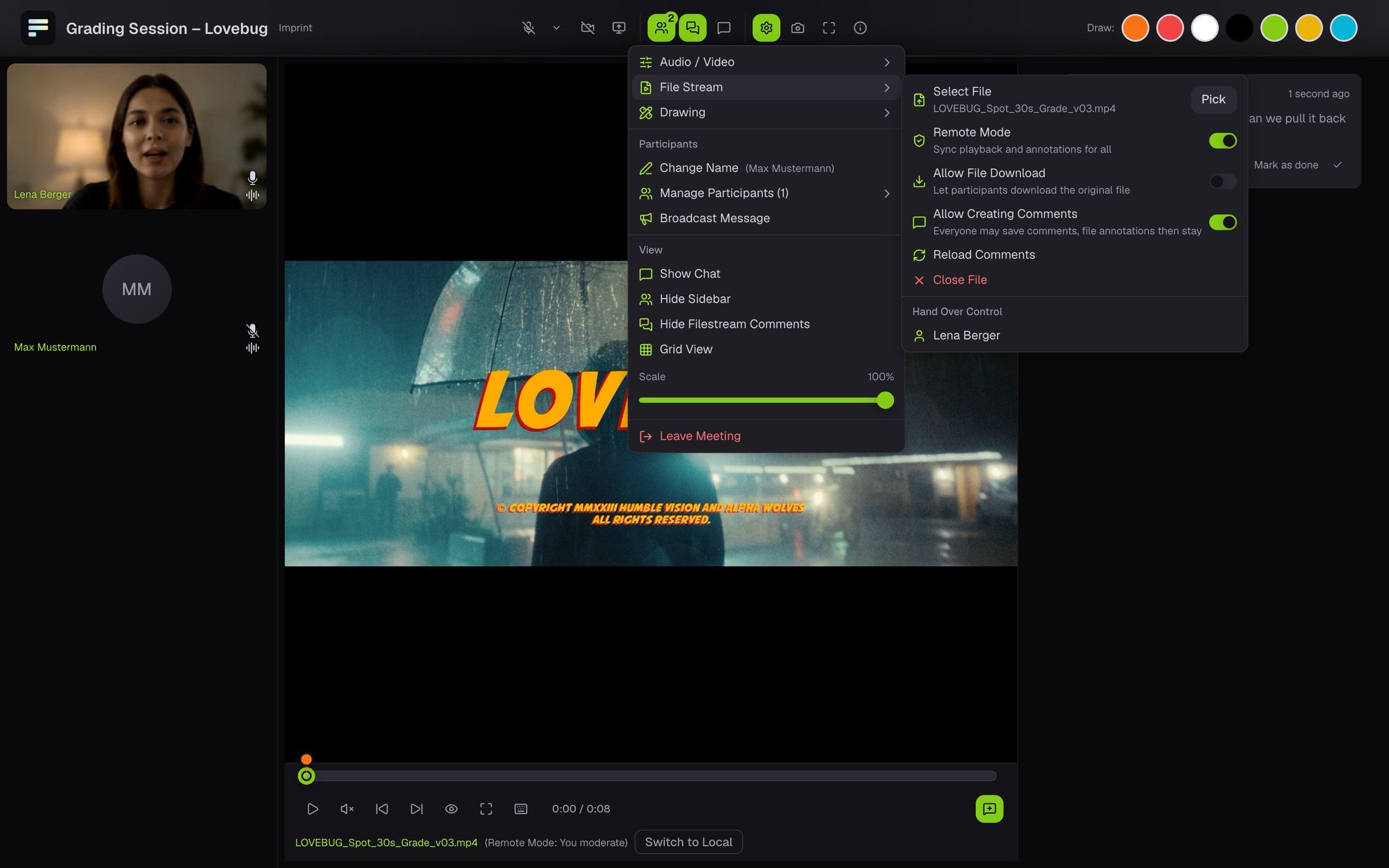
3
Take it back
Revoke in the same menu takes control back.
What you see as a guest
As soon as you get control, the room shows You now have moderation rights for the video. Under the picture it says (Remote Mode: You moderate), and you have play and pause, the timeline and the jumps between comments. Everyone else sees what you do right away.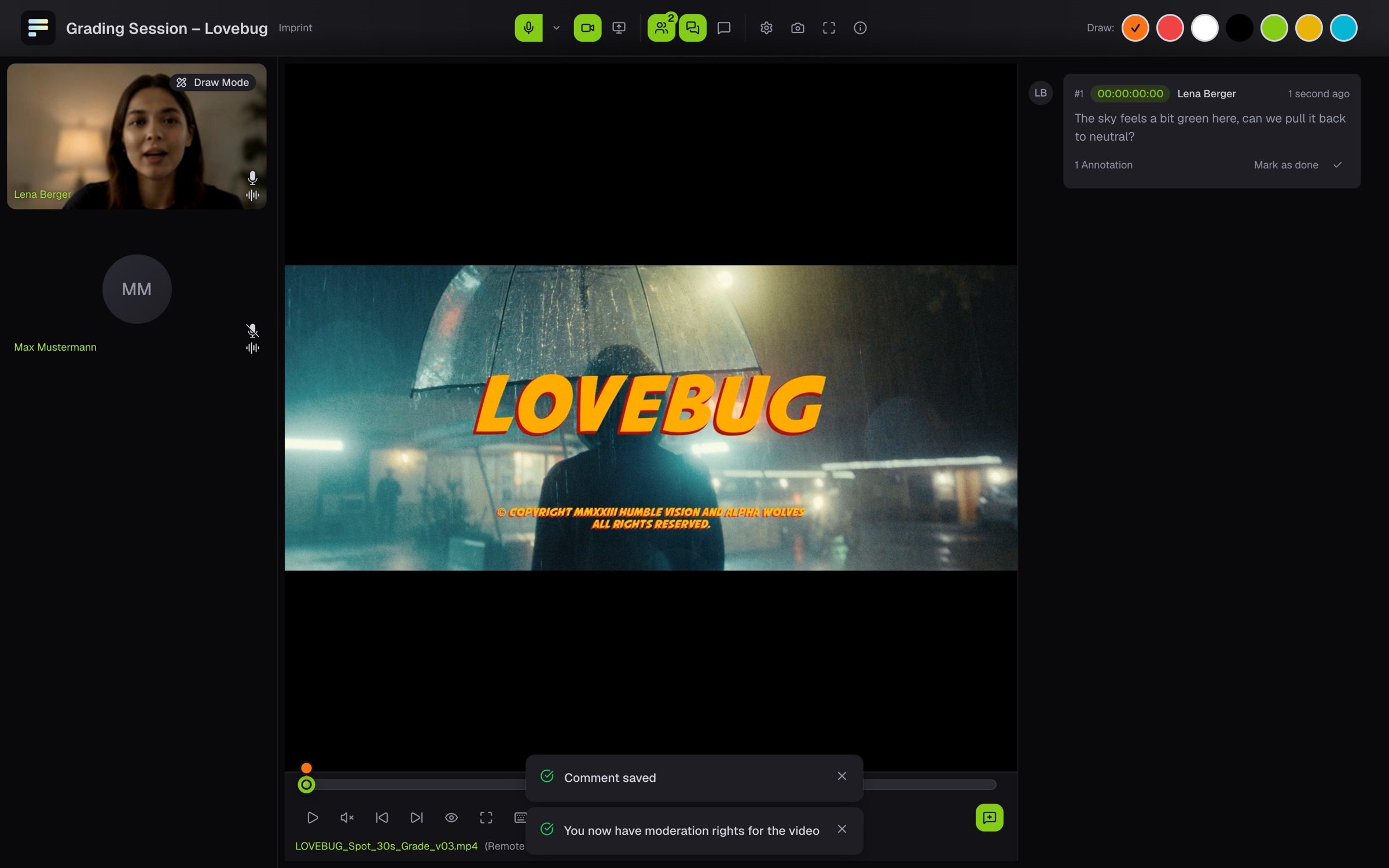
If your browser shows Update your browser to follow the shared file, it is too old to follow the file stream in sync. This affects older Safari versions. Update the browser and join again.