

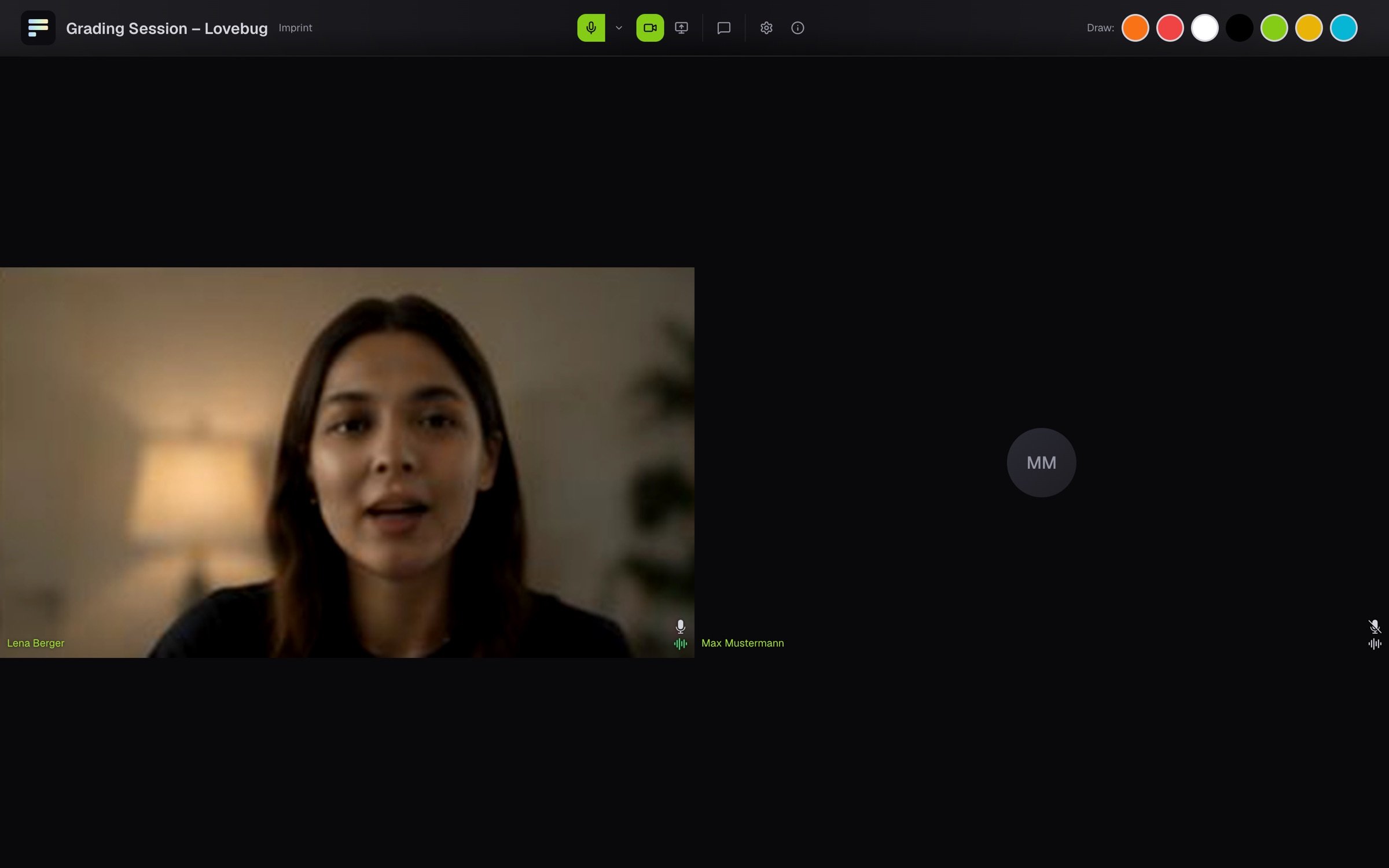
Mute yourself
Click the microphone icon. It is crossed out, and the others no longer hear you. A second click makes you heard again.Turn the camera on and off
Click the camera icon. When it is crossed out, the others no longer see your picture.Pick another device
If you have more than one camera or microphone connected, a small arrow sits next to the icon. Use it to pick the device your browser should use, for example a headset instead of the built-in microphone.If you hear nothing
If your browser blocks the sound, Sound is off appears at the top. Click Turn on sound.More settings
Click the gear (Meeting settings) and open Audio / Video:- Background Blur softens the room behind you.
- Noise Cancellation keeps keyboard and room noise out of your microphone.
- Viewing Mode turns this device into a watch-only seat, without sound or camera pictures from the room.
Share your screen
Share screen shows the others your screen, and Stop sharing screen ends it. Safari on iPhone and iPad cannot share a screen, so the button is missing there.If you see no microphone or camera switches at all, you are in a pure live stream or in Viewing Mode. See Join a live session.