

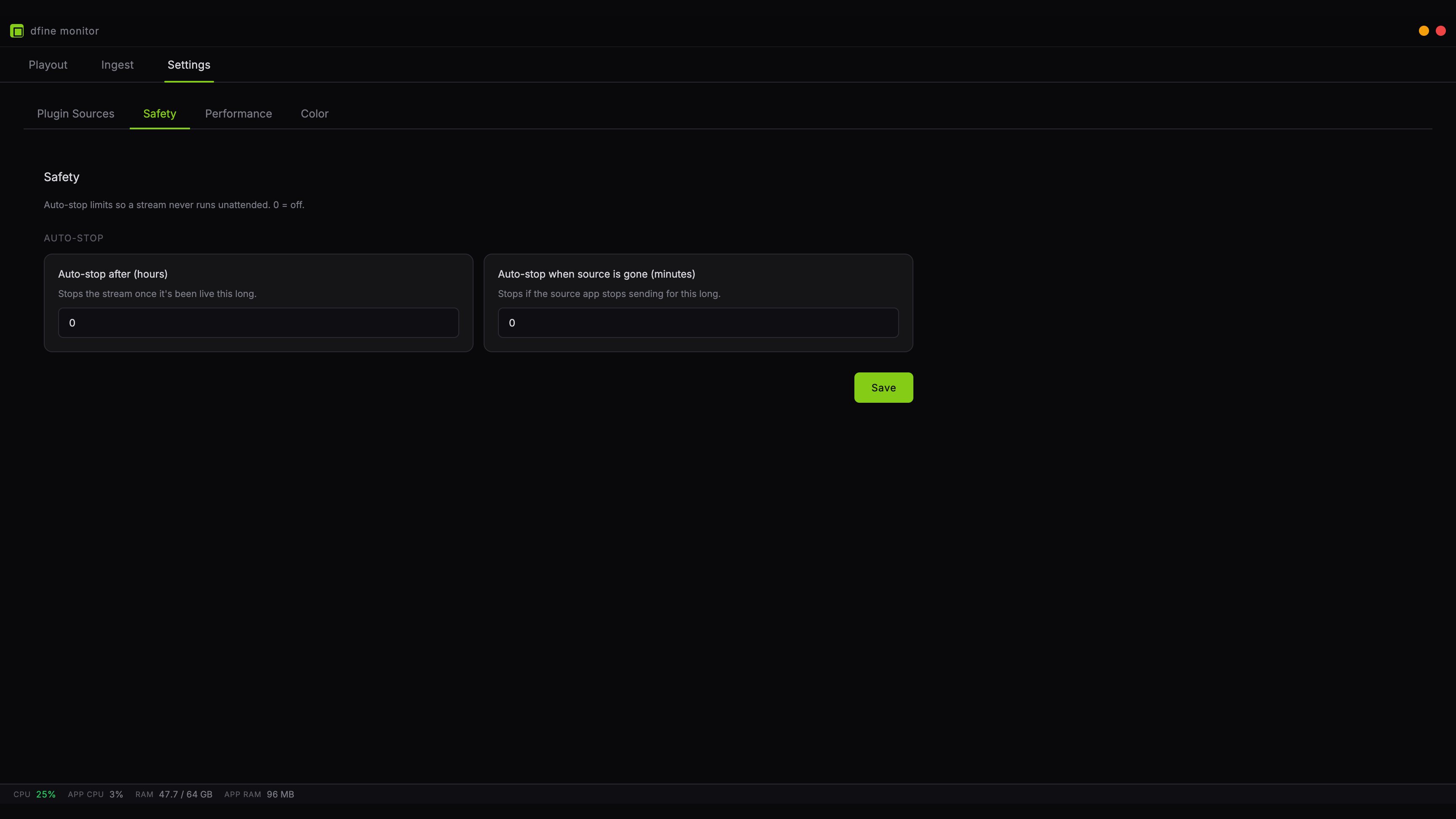
Auto-stop after
Ends the stream once it has been live for the Run time you set, between 1 and 24 hours, 8 by default. This catches the session you started in the morning and forgot after the review call ended. Pick a value slightly above your longest realistic session. Set it too tight and it will cut you off mid-sentence.Auto-stop when source is gone
Ends the stream when your editing application stops sending for the Away for time you set, between 1 and 60 minutes, 10 by default. This is the one that catches a crashed Premiere, a closed laptop lid, or a quit Resolve.A paused timeline does not count as gone. As long as the plugin stays connected, the stream holds the last picture and this limit does not run. A host that stops its output while it sits in the background does count as gone, so the clock starts even though the application is still open.