Turn on the sound
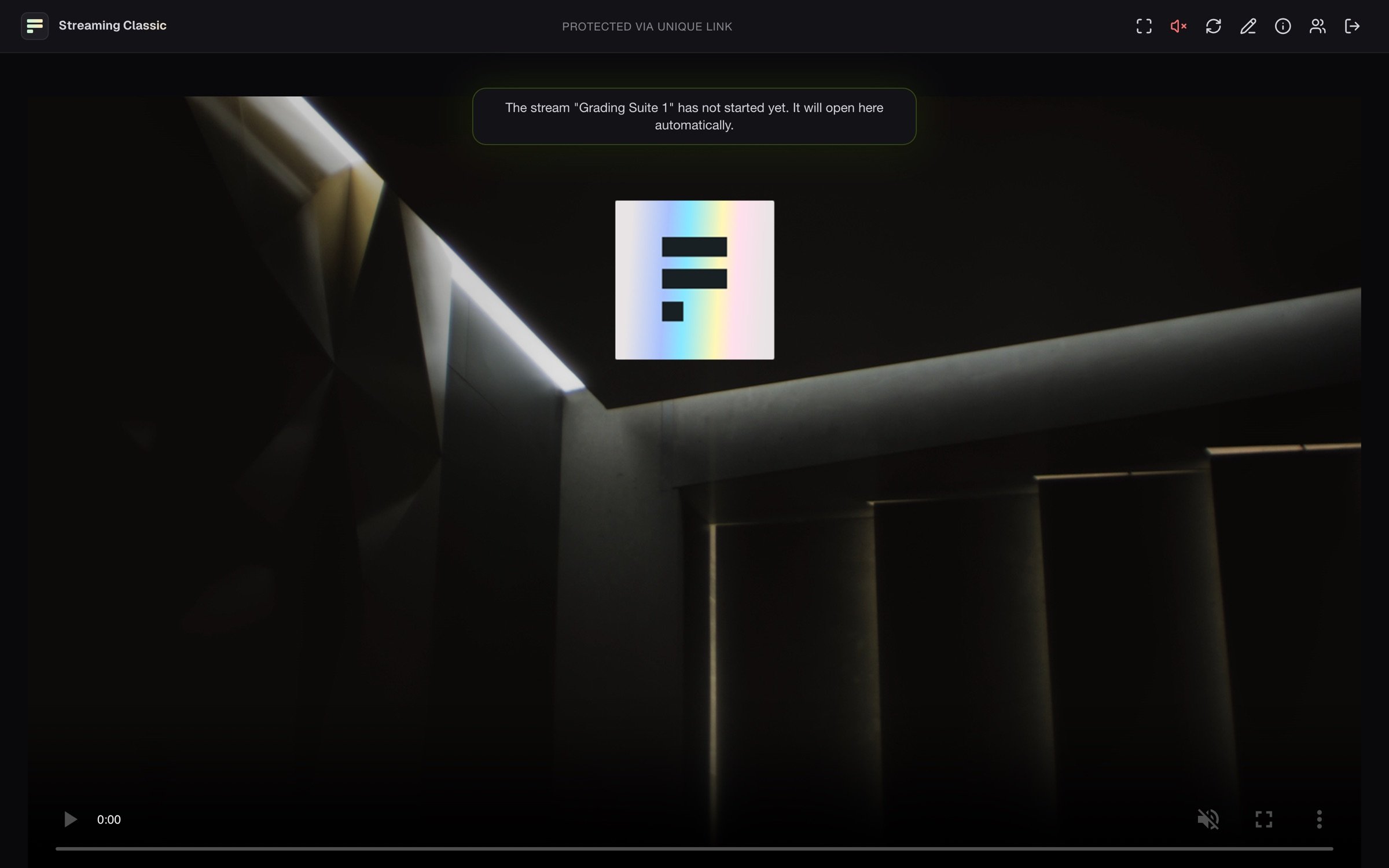
The stream starts muted, because browsers only play sound after a click. Click the red, crossed-out speaker icon (Unmute). A second click mutes again.Full screen
Click the full-screen icon (Fullscreen). On iPhone this button is missing. Tap the picture there and use the video’s own full-screen button.If the picture is missing
Reconnect connects again at once. Clicking the logo reloads the page.
Check the connection
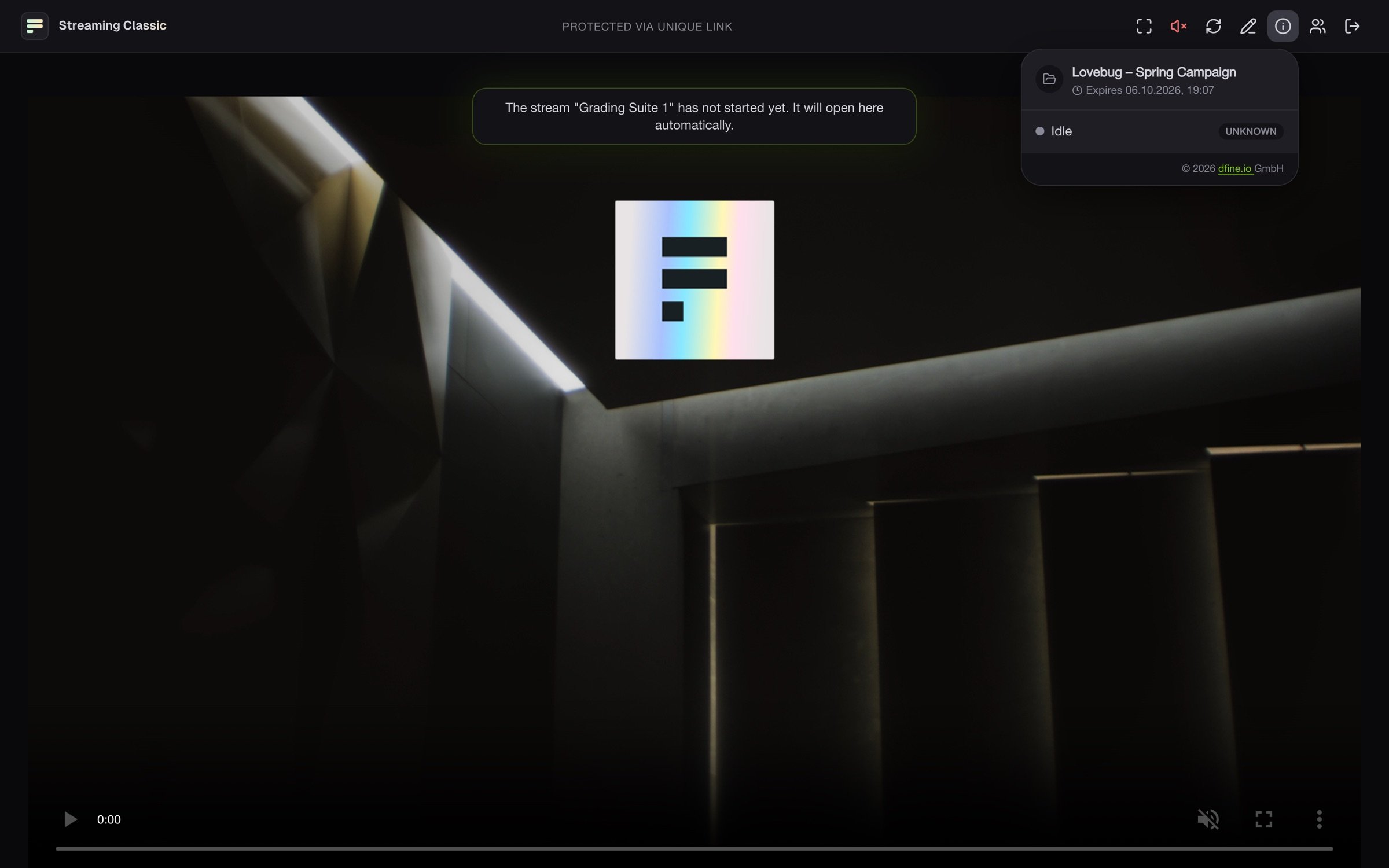
The info icon (Stream info) shows the project and when your access expires. While the stream runs, it adds the quality of your connection, resolution, frame rate and bitrate. If the picture stutters, click Report a connection problem there and then Send report. We get the connection data and details about your browser and device, but no name and no email address.