

With a personal link
1
Open the link
Click the link in your invitation. The Almost there page opens.
2
Enter your name
Under Your name, type how the sender should see you in the viewer list, 2 to 20 characters.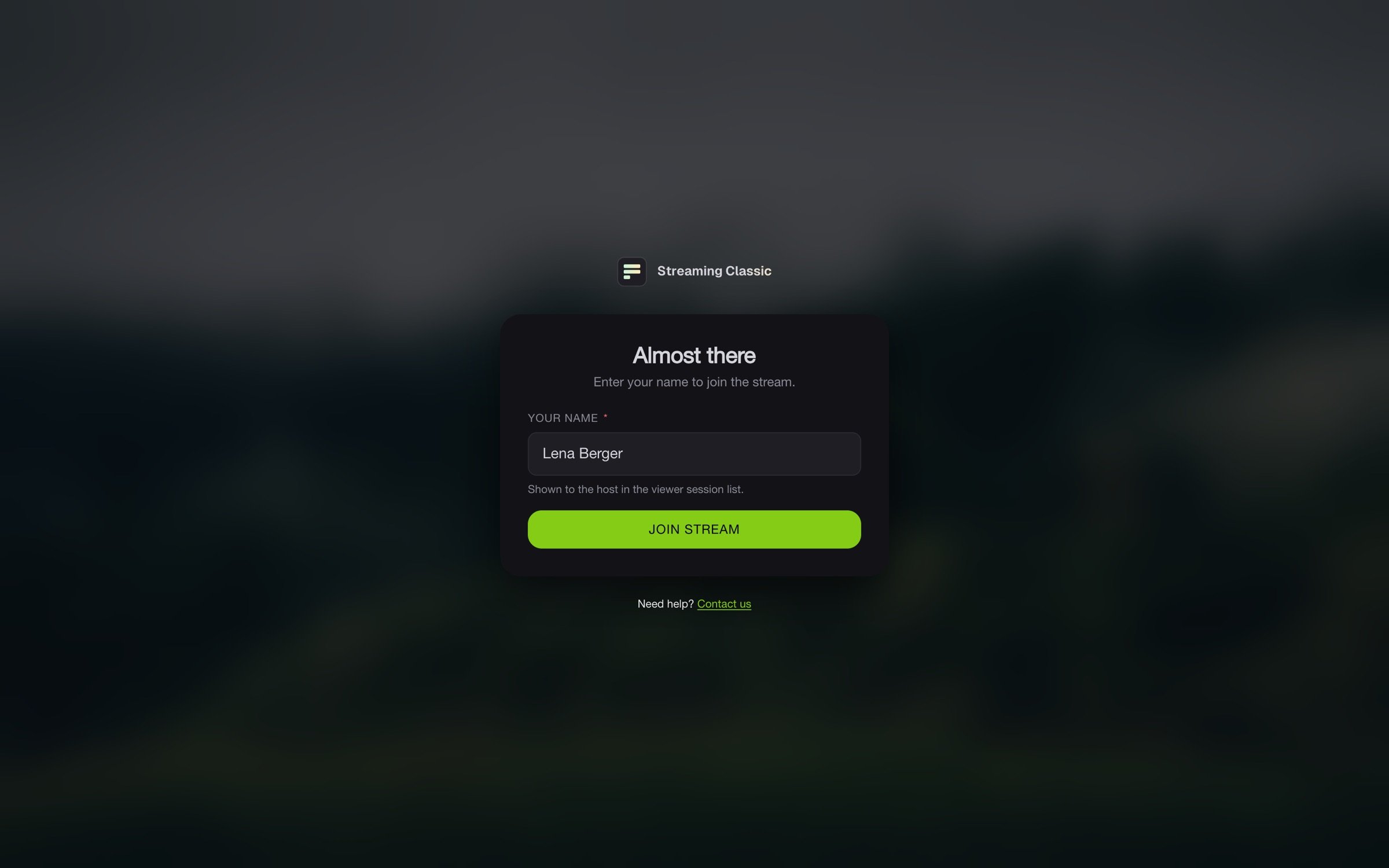
3
Join
Click Join stream.
With an access code
Open the viewer page from your invitation. Under Client login, the Access code tab is selected. Enter the code under Access code and your name under Your name, then click Login.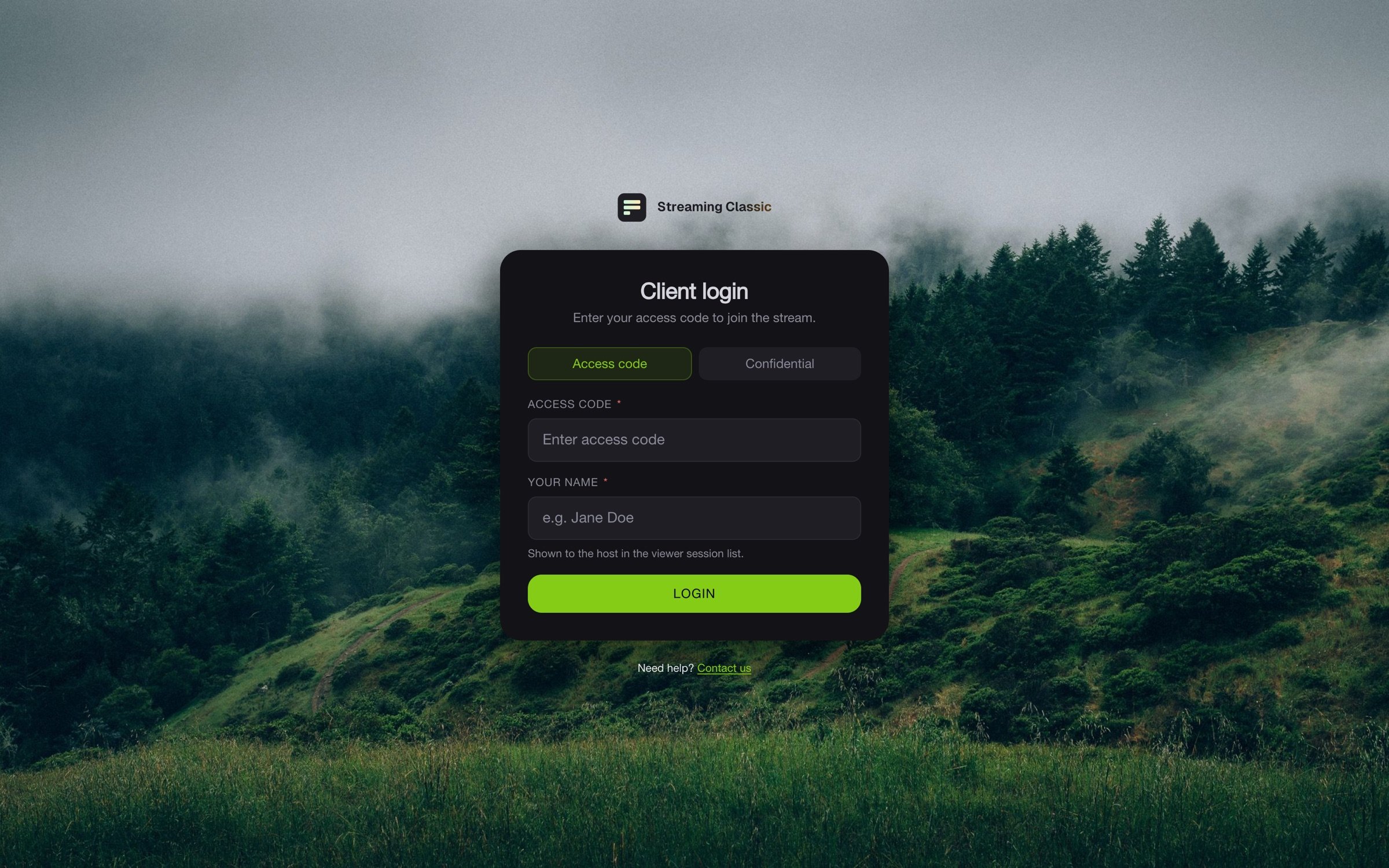
With a confidential invitation
Confidential invitations arrive by email with their own password. The link in it opens the Confidential tab directly. Enter the email address and password from the invitation and your name, then click Login.Every tab counts
Every browser tab is a viewer of its own. Open the stream in one tab only, because some accesses allow one person at a time. Click Logout when you are done. A tab you simply close keeps counting for five more minutes.If it does not work
If you are stuck, write to support through Need help? Contact us on the sign-in page.