> ## Documentation Index
> Fetch the complete documentation index at: https://docs.dfine.app/llms.txt
> Use this file to discover all available pages before exploring further.
# Open a stream
> Open a dfine.io Streaming Classic stream with a personal link, an access code or a confidential invitation.
## With a personal link
Click the link in your invitation. The **Almost there** page opens.
Under **Your name**, type how the sender should see you in the viewer list, 2 to 20 characters.
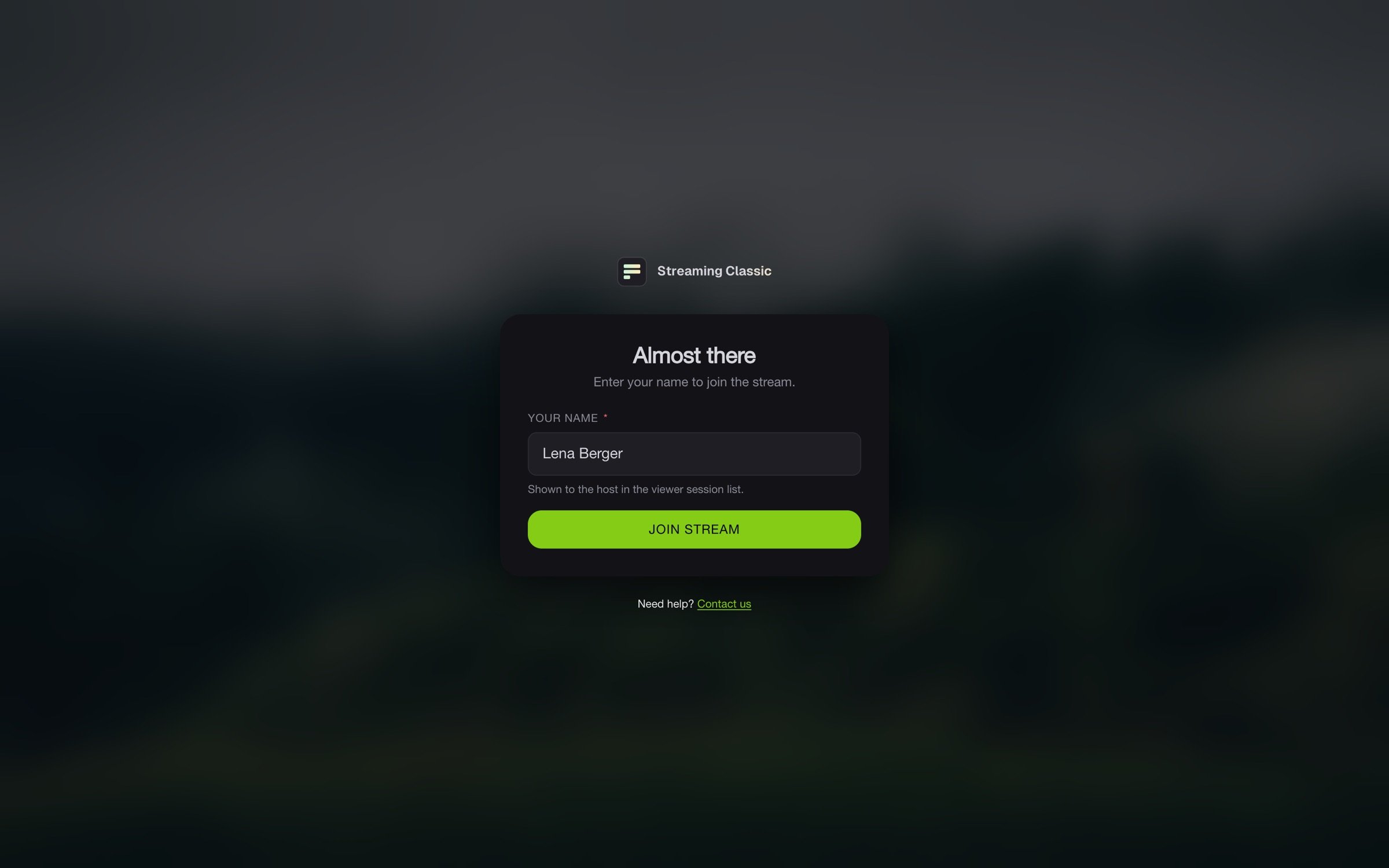 Click **Join stream**.
## With an access code
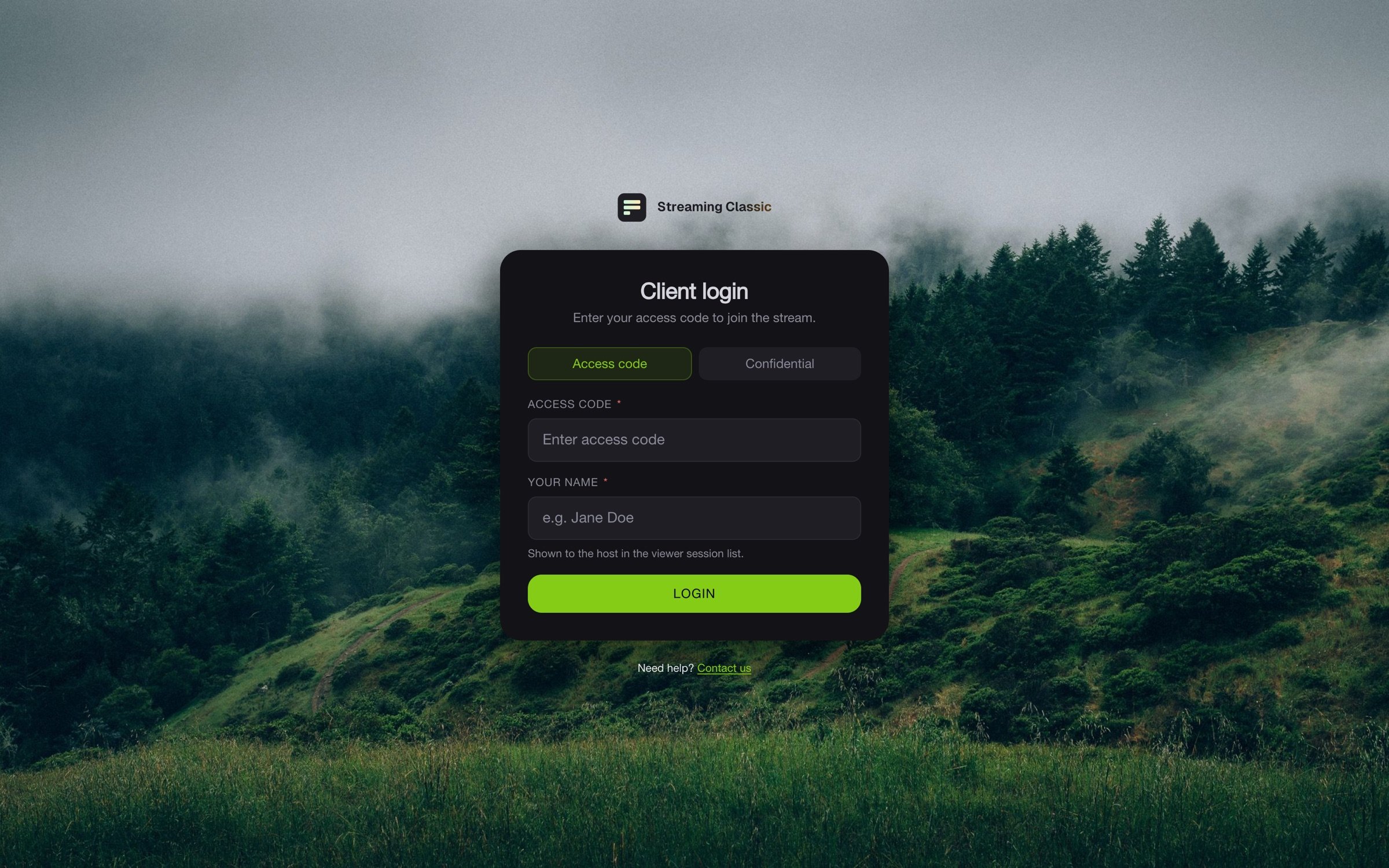
Open the viewer page from your invitation. Under **Client login**, the **Access code** tab is selected. Enter the code under **Access code** and your name under **Your name**, then click **Login**.
Click **Join stream**.
## With an access code
Open the viewer page from your invitation. Under **Client login**, the **Access code** tab is selected. Enter the code under **Access code** and your name under **Your name**, then click **Login**.
 ## With a confidential invitation
Confidential invitations arrive by email with their own password. The link in it opens the **Confidential** tab directly. Enter the email address and password from the invitation and your name, then click **Login**.
A confidential invitation only works from the network you first sign in from. If you then switch Wi-Fi, move to mobile data or turn on a VPN, the page shows **This invitation is bound to a different network**. Ask the sender to send the invitation again. You get a new password with it.
## Every tab counts
Every browser tab is a viewer of its own. Open the stream in one tab only, because some accesses allow one person at a time. Click **Logout** when you are done. A tab you simply close keeps counting for five more minutes.
## If it does not work
| Message | Meaning |
| - | - |
| **Wrong login credentials. Access denied.** | The link, code, email address or password is wrong. Check the invitation. |
| **This access is not active yet.** | The access only starts at a later time. |
| **This access has expired.** | The access has expired. Ask the sender for a new one. |
| **The access is deactivated.** | The sender has switched the access off. |
| **The maximum viewer count per stream access reached.** | As many people as allowed already watch with this access. Close other tabs with **Logout**. |
| **This session is restricted to specific countries.** | The stream can only be reached from certain countries. |
| **Your session ended.** | Your session was ended. Sign in again. |
If you are stuck, write to support through **Need help? Contact us** on the sign-in page.
This documentation is built and hosted on [Mintlify](https://mintlify.com), a developer documentation platform.
## With a confidential invitation
Confidential invitations arrive by email with their own password. The link in it opens the **Confidential** tab directly. Enter the email address and password from the invitation and your name, then click **Login**.
A confidential invitation only works from the network you first sign in from. If you then switch Wi-Fi, move to mobile data or turn on a VPN, the page shows **This invitation is bound to a different network**. Ask the sender to send the invitation again. You get a new password with it.
## Every tab counts
Every browser tab is a viewer of its own. Open the stream in one tab only, because some accesses allow one person at a time. Click **Logout** when you are done. A tab you simply close keeps counting for five more minutes.
## If it does not work
| Message | Meaning |
| - | - |
| **Wrong login credentials. Access denied.** | The link, code, email address or password is wrong. Check the invitation. |
| **This access is not active yet.** | The access only starts at a later time. |
| **This access has expired.** | The access has expired. Ask the sender for a new one. |
| **The access is deactivated.** | The sender has switched the access off. |
| **The maximum viewer count per stream access reached.** | As many people as allowed already watch with this access. Close other tabs with **Logout**. |
| **This session is restricted to specific countries.** | The stream can only be reached from certain countries. |
| **Your session ended.** | Your session was ended. Sign in again. |
If you are stuck, write to support through **Need help? Contact us** on the sign-in page.
This documentation is built and hosted on [Mintlify](https://mintlify.com), a developer documentation platform.