> ## Documentation Index
> Fetch the complete documentation index at: https://docs.dfine.app/llms.txt
> Use this file to discover all available pages before exploring further.
# Where do I turn on two-factor sign-in and a session timeout?
> Two-factor authentication sits in your user profile. The session timeout sits in Settings under Security.
## Two-factor sign-in
Open the user menu at the bottom of the sidebar and open your profile.
Switch on two-factor authentication there and follow the steps. It is optional and protects your account, not single projects.
## Session timeout
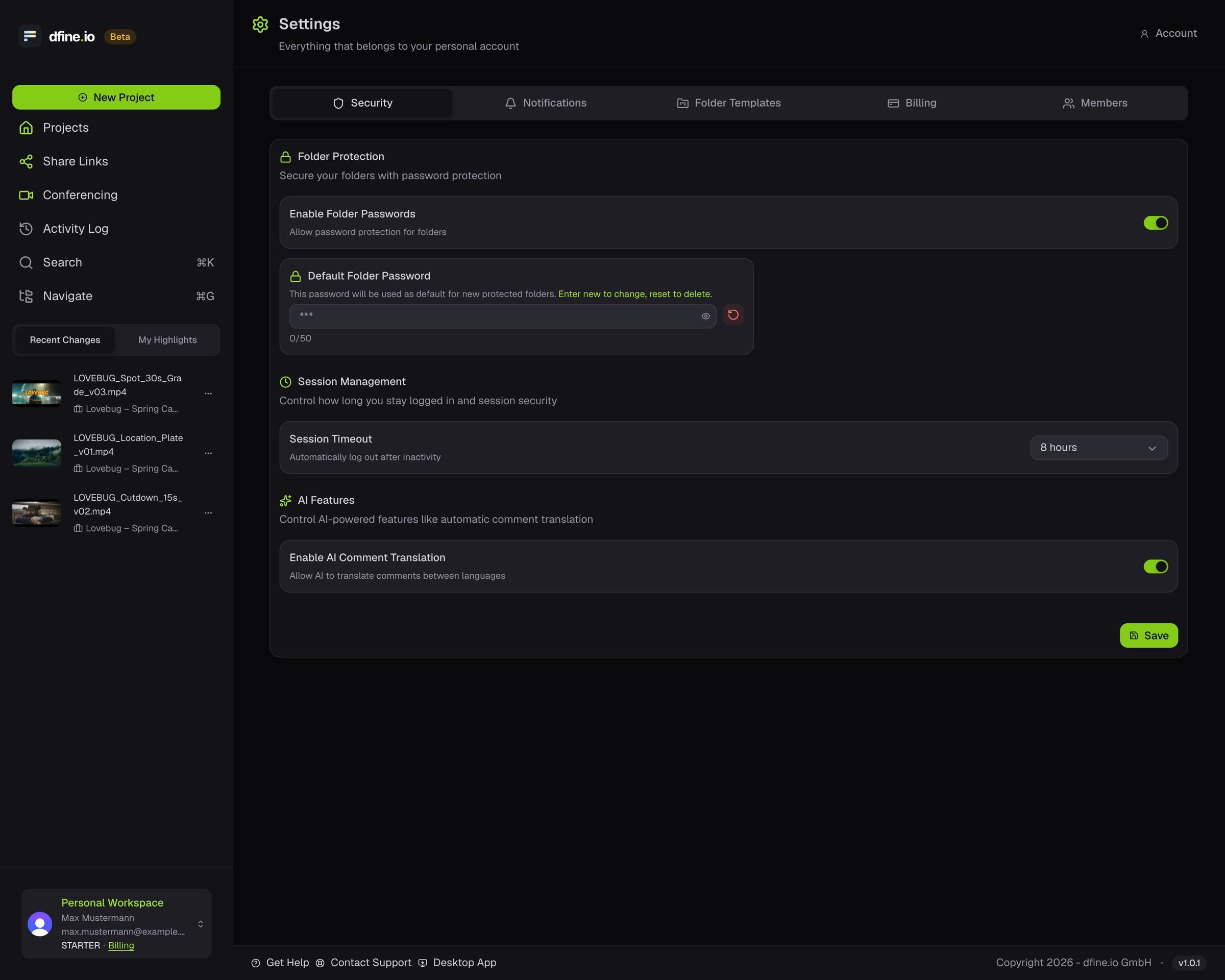
Open the account menu at the bottom of the sidebar and click **Settings**.
On the **Security** tab, choose how long you stay signed in before an unattended session times out.
 Where your data lives and who gets in: [Security](/en/reference/security).
This documentation is built and hosted on [Mintlify](https://mintlify.com), a developer documentation platform.
Where your data lives and who gets in: [Security](/en/reference/security).
This documentation is built and hosted on [Mintlify](https://mintlify.com), a developer documentation platform.