> ## Documentation Index
> Fetch the complete documentation index at: https://docs.dfine.app/llms.txt
> Use this file to discover all available pages before exploring further.
# Where do I set folder templates for new projects?
> Settings, Folder Templates lists your templates and the default every new project gets. Add Template turns an existing folder into one.
A template saves a folder structure, so every new project starts the same way.
Open the account menu at the bottom of the sidebar and click **Settings**.
The tab lists your templates. **New Template** builds one from scratch, **Import** loads one from a file.
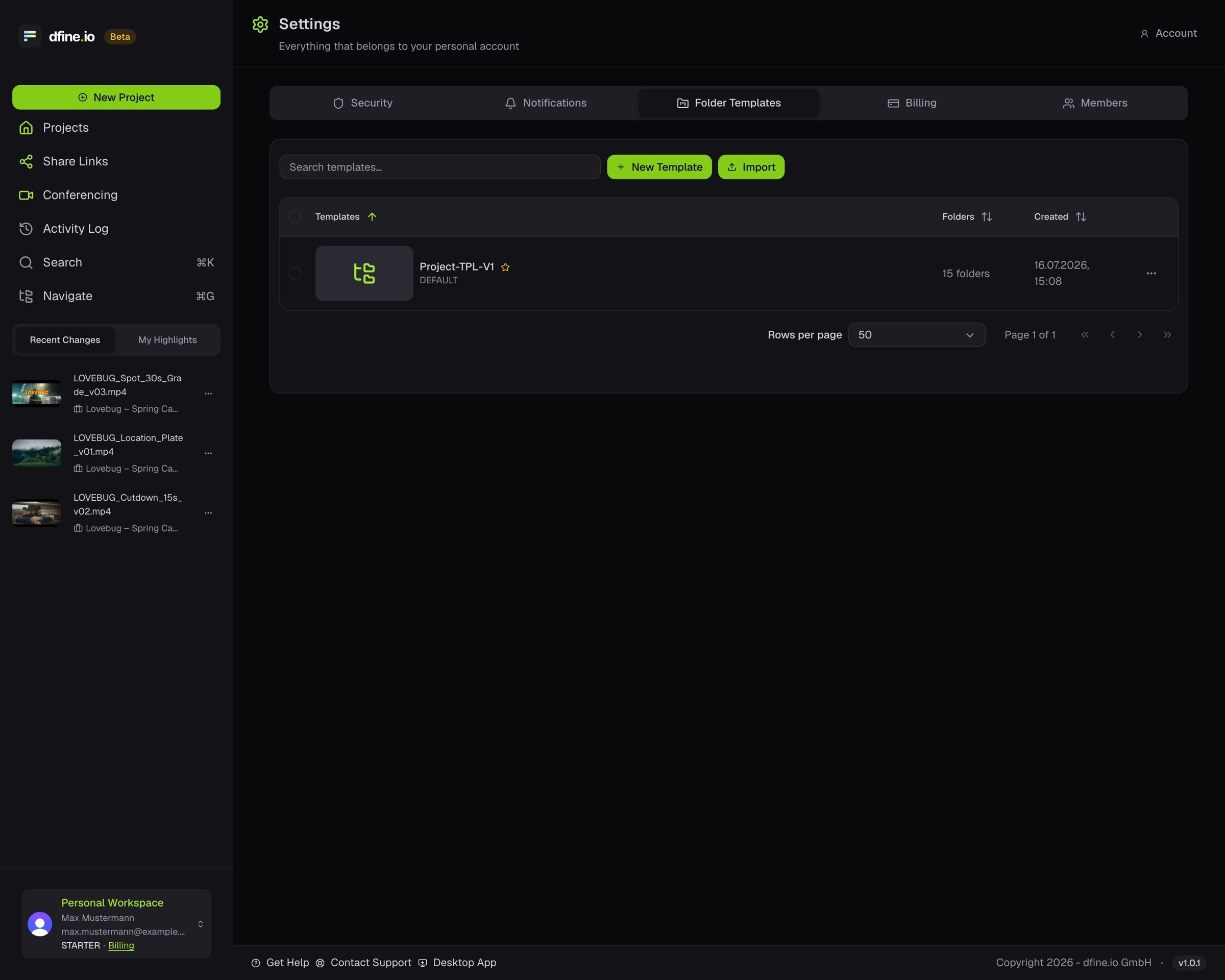 Click the star on a template. New projects get that structure.
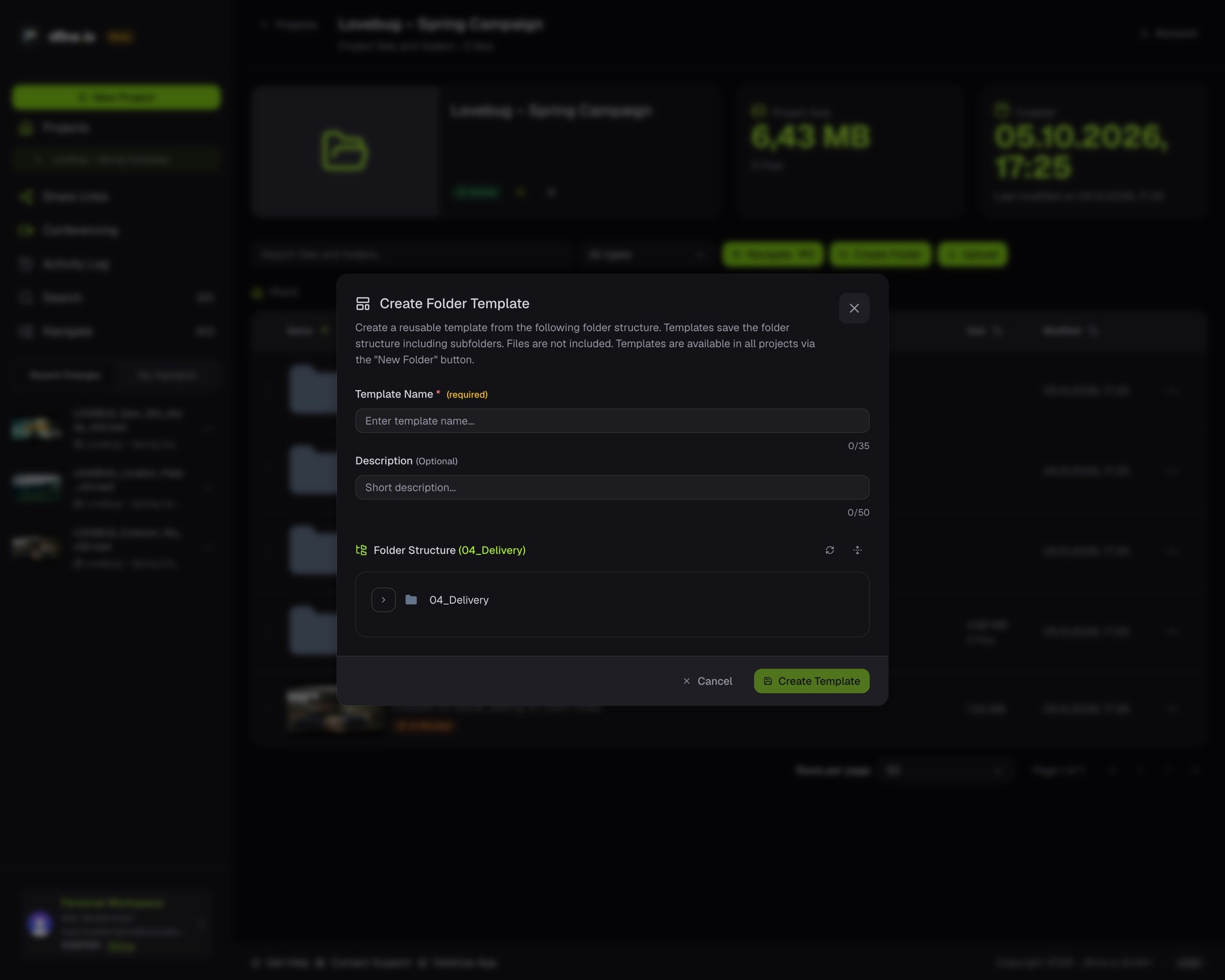
**From a folder you already have.** Choose **Add Template** in the folder's menu. The template keeps every subfolder, but no files.
Click the star on a template. New projects get that structure.
**From a folder you already have.** Choose **Add Template** in the folder's menu. The template keeps every subfolder, but no files.
 This documentation is built and hosted on [Mintlify](https://mintlify.com), a developer documentation platform.