> ## Documentation Index
> Fetch the complete documentation index at: https://docs.dfine.app/llms.txt
> Use this file to discover all available pages before exploring further.
# Viewer branding
> Customize the player your viewers see when they join a stream.
You can customize the player your viewers see when they join a stream. Open **Settings** and the **Branding** tab to set it up.
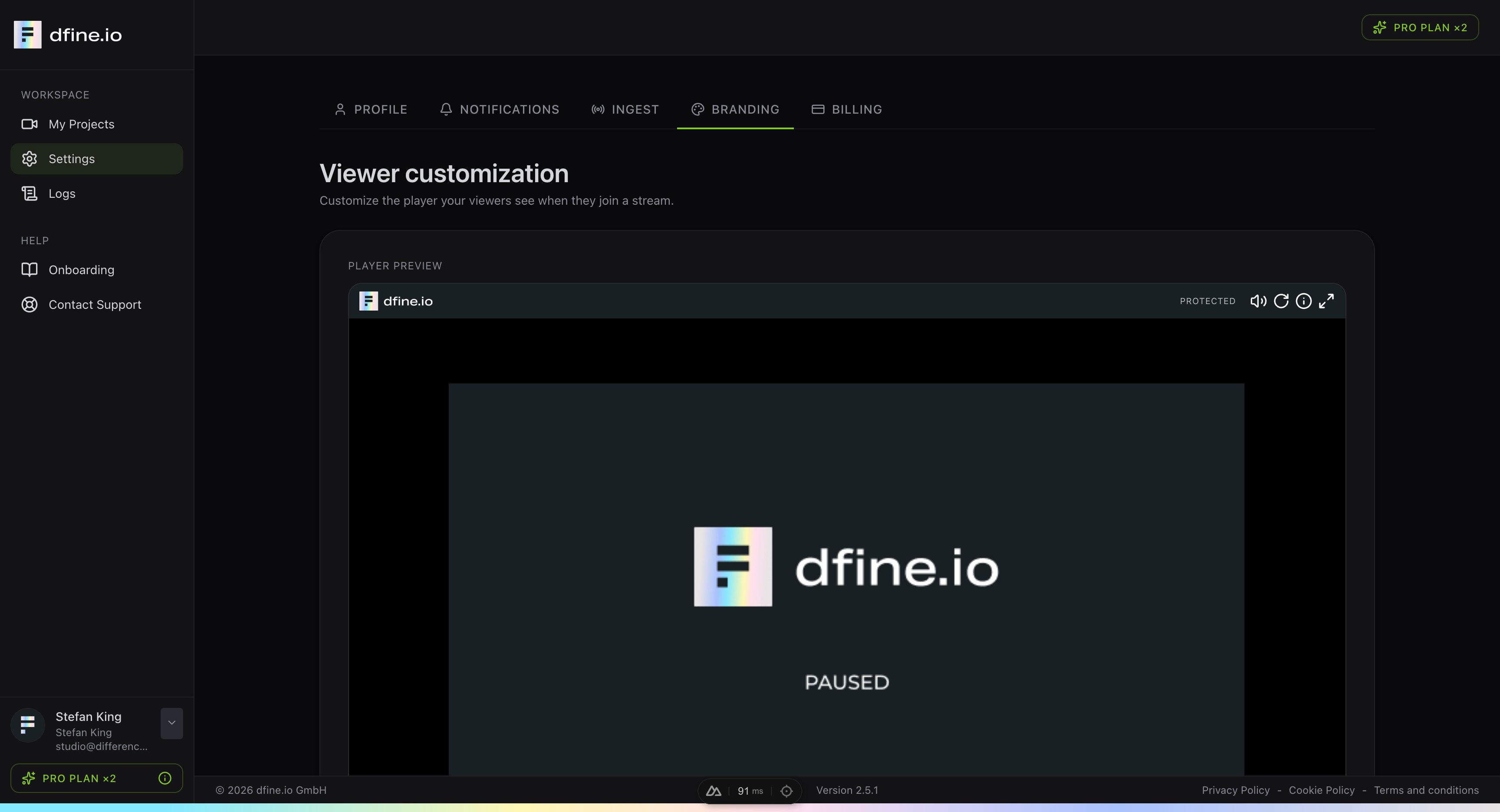 The live preview shows exactly what your client will see, so you can check the look before you share the link. This keeps the viewing experience on brand for every stream.